
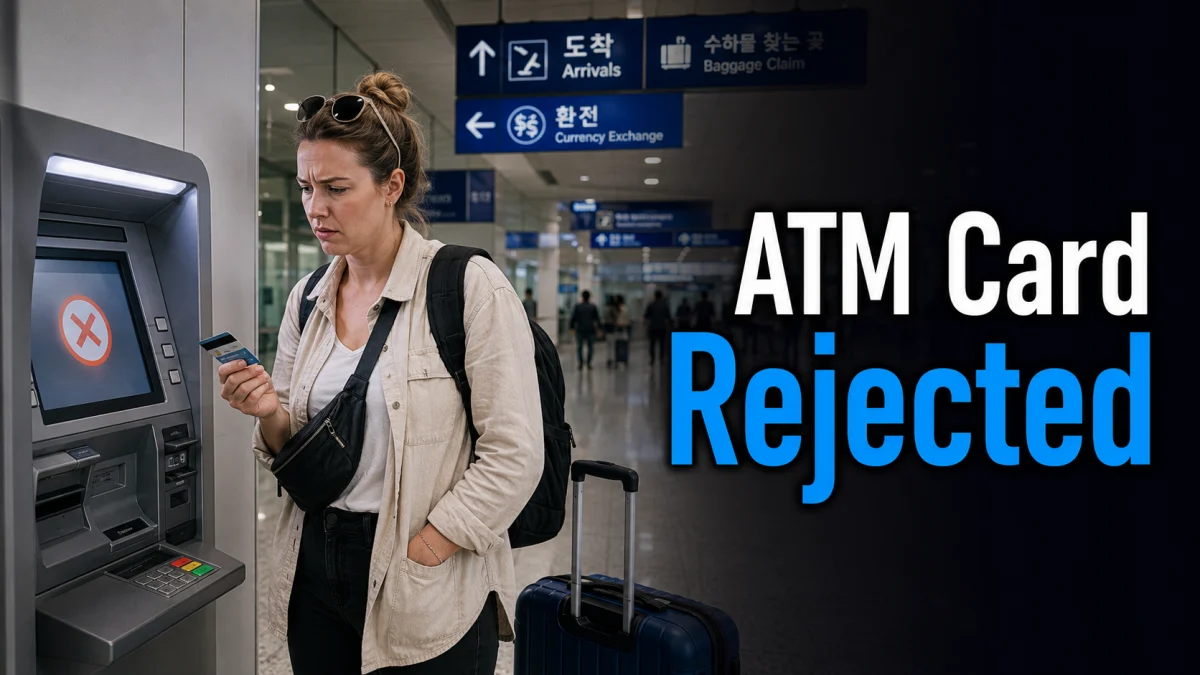
When a Korean ATM rejects a foreign card, the cause may be the machine rather than your account balance. Some ATMs are intended mainly for Korean-issued cards or do not support the international network used by your card.
First, look for a Global ATM, Foreign Card or International Card option. Check that the machine displays a network logo matching your card, and remember that even a Global ATM may not support every card, issuer or transaction.
Quick answer: A foreign card may be rejected because the ATM does not support its network, the wrong menu was selected, overseas cash withdrawal is disabled, the requested amount exceeds a limit, or the card issuer has blocked the transaction. Try a clearly labeled Global ATM, use the foreign-card menu, lower the amount and check your issuer’s settings.
Why Some Korean ATMs Reject Foreign Cards
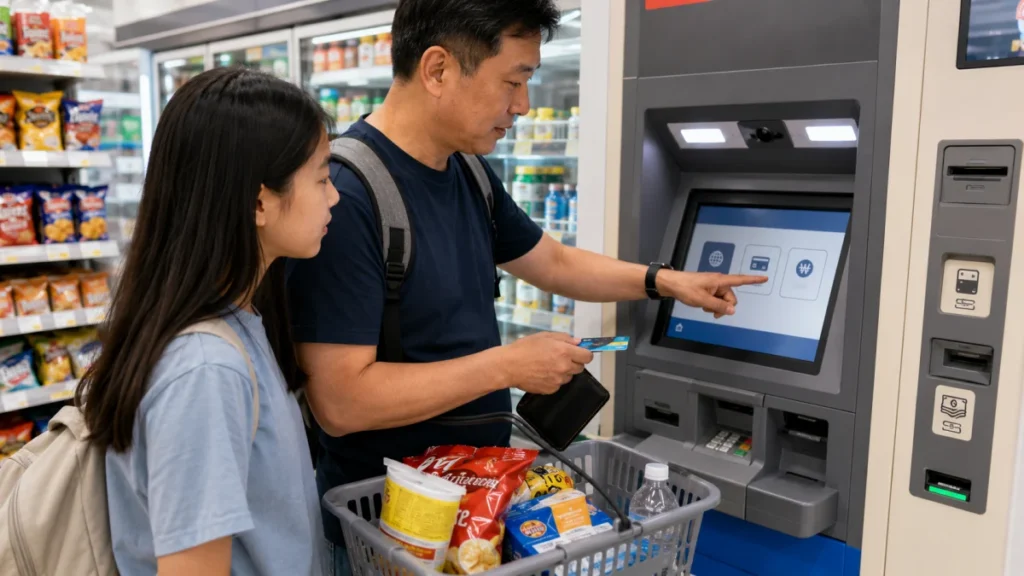
A bank logo alone does not confirm that an ATM accepts cards issued overseas. Check the machine and its screen for a dedicated foreign-card menu or an international network logo that matches your card.
Hana Bank states that overseas cards displaying logos such as MasterCard, Maestro, Cirrus, Visa, PLUS, JCB and UnionPay may be used for balance inquiries at its Global ATMs. Availability and fees can still vary by country and card issuer, so a matching logo does not guarantee that every withdrawal will succeed. See the Hana Bank Global ATM FAQ for the bank’s current guidance.
The practical rule is not to assume that every machine marked “ATM” supports an overseas card. Confirm the network and foreign-card pathway before starting the transaction.
Why a Card May Fail at a Global ATM
The Wrong Menu Was Selected
Some machines provide separate paths for Korean-issued cards and cards issued overseas. When a Foreign Card, Global Service or International Card option is available, select it before choosing withdrawal.
ATM screen layouts vary by operator and machine. If the card is rejected after using the standard domestic menu, retrieve the card and restart from the foreign-card option rather than repeatedly using the same path.
Overseas Cash Withdrawal Is Disabled
A card that works for hotel or shop payments may still be blocked for overseas cash withdrawals. Purchases and ATM cash withdrawals can be subject to different issuer permissions, limits and security rules.
Check your bank or card app for overseas ATM access, cash-withdrawal limits and recent security blocks. If several attempts have already failed, contact the issuer before continuing so that repeated transactions do not trigger an additional restriction.
The Requested Amount Exceeds a Limit
The ATM operator and your card issuer may each apply their own per-transaction or daily limits. A machine may show only a general transaction error rather than explaining which limit was exceeded.
If a larger request fails, try a lower amount. Review the displayed operator fee before confirming, because making several smaller withdrawals can result in multiple ATM charges as well as separate fees from your issuer.
The Card Does Not Support Overseas Cash Withdrawal
Debit, credit and prepaid cards can have different withdrawal conditions. A debit card may avoid credit-card cash-advance terms, but support and fees still depend on the issuer.
A credit-card withdrawal may be treated as a cash advance and can involve separate fees or interest. Before using one, confirm the cash-advance rules and PIN with your card issuer.
The PIN or Account Type Does Not Match
Use the cash-withdrawal PIN confirmed by your issuer. Do not repeatedly test different PINs, because several incorrect attempts may cause the card to be blocked.
If the ATM asks you to select checking, savings or credit, choose the option that matches the account linked to your card. When you are unsure, confirm the correct account type with your issuer instead of testing every option.
What to Do at the ATM
- Check the machine before inserting your card. Look for Global ATM, Foreign Card, International Card or a matching card-network logo.
- Start from the foreign-card menu. Use the dedicated overseas-card option when one is shown.
- Select your preferred language. Remember that the language menu and foreign-card menu may be separate.
- Choose cash withdrawal. Do not select a domestic transfer or local banking service.
- Enter the account type registered with your issuer. Do not guess repeatedly.
- Lower the requested amount if a larger withdrawal fails.
- Read the fee and exchange-rate screen. The ATM operator’s charge and your issuer’s fee may be separate.
- Keep the receipt. It can help if the account is charged but no cash is dispensed.
Where to Try If One ATM Fails
Do not keep retrying the same type of machine. Move to a location with several clearly labeled ATMs, such as an airport, a major transportation hub or an area with multiple bank machines.
Incheon International Airport lists public and bank-operated ATMs in both passenger terminals. Some are shown as operating 24 hours, while others have limited hours. Check the current terminal, location and operating time on the Incheon International Airport facilities page.
An ATM’s presence at the airport does not guarantee that every overseas card will work. Confirm that the machine displays a network matching your card and provides a foreign-card option.
Staff at a bank branch may be able to explain whether a machine supports overseas cards, but normal branch hours are limited. VISITKOREA states that banks in Korea are generally open from 09:00 to 16:00 on weekdays, although hours vary by bank and location. See the VISITKOREA currency and money exchange guide.
How Much Cash Should You Keep in Korea?
Credit cards are widely accepted at major hotels, department stores and many general shops in Korea. However, some businesses or payment terminals may not accept an overseas card.
A small cash reserve can be useful when a market stall, older locker, transit-card reload point, small business or payment terminal does not support your card. The required amount depends on your transport plan, accommodation and spending habits, so there is no single recommended amount for every traveler.
For the first day, prepare enough Korean won or an alternative payment method for transportation, food and an unexpected payment failure. Use cards for larger purchases when the merchant accepts them and keep the cash reserve for situations in which card payment is unavailable.
Common ATM Problems and Next Steps
| What happens | Possible cause | What to try next |
|---|---|---|
| The card is rejected immediately | The ATM may not support the card network, or the domestic menu was selected | Find a Global ATM with a matching network logo and restart from Foreign Card |
| The PIN is rejected | The PIN may be incorrect or the issuer may have blocked the card | Stop retrying and confirm the PIN or card status with the issuer |
| The transaction cannot be completed | The amount may exceed a limit, or the issuer or network may have declined it | Try a lower amount, another supported ATM or contact the issuer |
| Balance inquiry works but withdrawal fails | Cash withdrawal may be disabled or subject to different limits | Check overseas withdrawal settings and account type with the issuer |
| The account is charged but no cash appears | A dispensing or network error may have occurred | Keep the receipt, record the ATM location and contact the ATM operator and issuer |
Prepare a Backup Before Traveling
- Enable overseas cash withdrawal before departure.
- Confirm the correct ATM PIN and daily withdrawal limit.
- Check the issuer’s overseas withdrawal and currency-conversion fees.
- Carry a second payment card, preferably using a different network.
- Save the issuer’s international support number separately from the card.
- Keep a small cash reserve for payment situations that do not accept your card.
If the first ATM fails, change one factor at a time. Try a different supported machine, a lower amount, another card or the correct foreign-card menu. Repeating the same failed transaction on identical machines is less useful than checking the issuer’s settings or moving to another ATM operator.
FAQ
Can I Withdraw Korean Won With a Foreign Credit Card?
It may be possible when the ATM supports the card network and the issuer has enabled cash advances. Check the cash-advance fee, interest, ATM fee, currency-conversion terms and required PIN before using a credit card for cash.
Is It Better to Exchange Cash or Use an ATM in Korea?
The better option depends on the exchange rate, ATM operator fee, issuer fee and your card benefits. Compare the total cost rather than looking only at the displayed exchange rate. Keeping more than one payment option is safer than relying entirely on either cash exchange or a single ATM card.
Does a Global ATM Accept Every Overseas Card?
No. A Global ATM may support several international networks, but acceptance still depends on the card network, issuer, country, transaction type and current machine availability. Check for a matching network logo and contact your issuer when repeated attempts fail.
What Should I Do If My Account Is Charged but No Cash Is Dispensed?
Keep the receipt, photograph or record the ATM location, note the time and amount, and contact both the ATM operator and your card issuer. Do not assume that the charge will automatically disappear without checking the transaction status.
The most useful first step is to find a clearly labeled Global ATM with a matching card-network logo. If it still fails, check your issuer’s overseas cash-withdrawal settings, lower the amount and switch to a backup payment method rather than repeatedly testing the same machine.