

For foreigners living in Korea—or traveling here—food delivery is one of the most fun (and delicious) ways to experience Korean culture. But many people hesitate to place their first order because of complicated verification steps and the language barrier. In this guide, I’ll break down everything foreigners usually want to know—from choosing the right app to paying successfully—so you can order with confidence. Follow along, and tonight you’ll be enjoying amazing Korean food from the comfort of your place.
📋 Comparison of Korea’s Major Delivery Apps
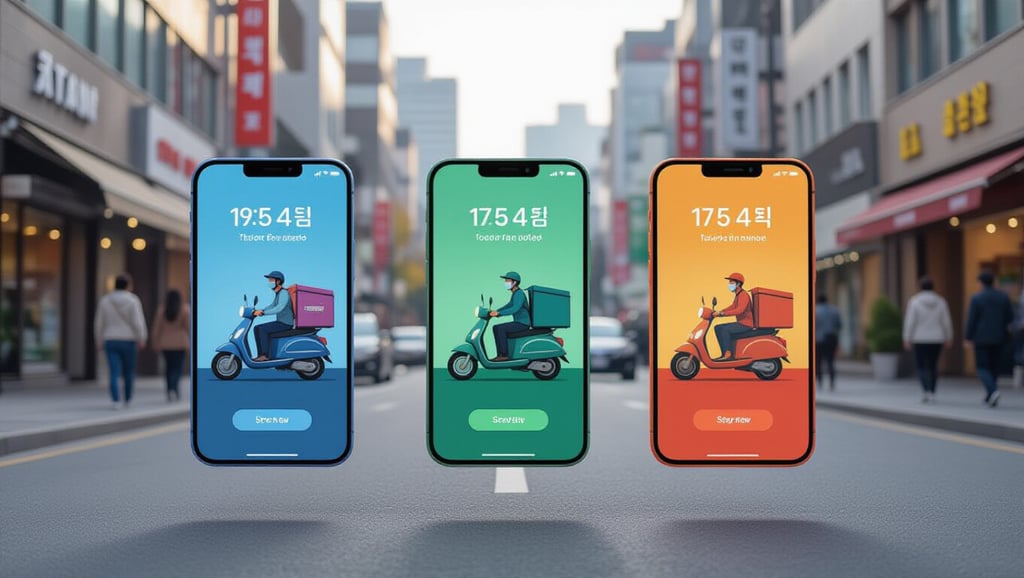
In Korea, the three most widely used delivery apps each come with clear strengths. If you’re new to delivery here, the most important first step is choosing the app that fits your situation.
Key Features by App
- Baemin (배달의민족): The biggest selection—tons of restaurants and menu options.
- Coupang Eats (쿠팡이츠): Known for speed thanks to its “one order per rider” delivery system.
- Yogiyo (요기요): Great for saving money with lots of coupons and subscription perks.
📊 Delivery App Service Comparison
| Category | Baemin | Coupang Eats | Yogiyo |
|---|---|---|---|
| Delivery speed | Average | Very fast | Average |
| Number of restaurants | Largest | Many | Moderate |
| Main advantage | Huge variety | Real-time tracking | Strong discounts |
From my experience, Coupang Eats’ real-time location tracking feels especially reassuring and convenient when you’re starving and just want your food ASAP.
🔍 How to Use “Shuttle Delivery” (Foreign-Friendly Option)

If you don’t have a Korean phone number—or you’re still not comfortable with Korean—Shuttle (Shuttle Delivery) can be the best alternative. That’s because it helps you skip the complicated identity verification that many Korean apps require.
Learn More on Shuttle Delivery
Why Shuttle Delivery Is Great
- Full English support: Menus and customer support are available in English, so there’s far less chance of miscommunication.
- International card payments: Visa/Mastercard (and other overseas-issued cards) typically work smoothly.
- Romanized address input: You can search and register your address using the alphabet—even if you don’t know the Korean spelling.
📝 Step-by-Step
- Install the app: Search “Shuttle Delivery” in your app store and download it.
- Add your address: Enter the address of where you’re staying in English.
- Choose your food & pay: Pick items from the English menu, then pay using your international card.
When I had just arrived in Korea and hadn’t set up a phone plan yet, Shuttle literally saved me—I was able to order pizza and avoid going hungry.
📍 Accurate Address Input & Contactless Delivery Tips

Korea’s delivery system is incredibly efficient—if your address is correct, you usually won’t need to talk to the rider at all. In particular, adding detailed address info is the most important step to prevent delivery issues.
Search an Accurate Address on Naver
Address Tips (Avoid Mistakes)
- Include unit details: For apartments and villas, always add building number, unit number, and/or floor.
- Copy & paste the Korean address: The most accurate method is copying the Korean address from Naver Map or KakaoMap and pasting it into the delivery app.
- Choose contactless options: Selecting “Leave it at the door” lets you receive your order without the stress of speaking Korean.
💡 Useful Delivery Notes (English Phrases)
- 문 앞에 두고 벨 눌러주세요: Please leave it at the door and ring the bell.
- 도착하면 전화 주세요: Please call me when you arrive.
I once entered the address incorrectly and had to struggle through a phone call with the rider—ever since then, I always copy the address directly from a map.
🌐 How to Pick the Right Menu (Even If It’s All in Korean)
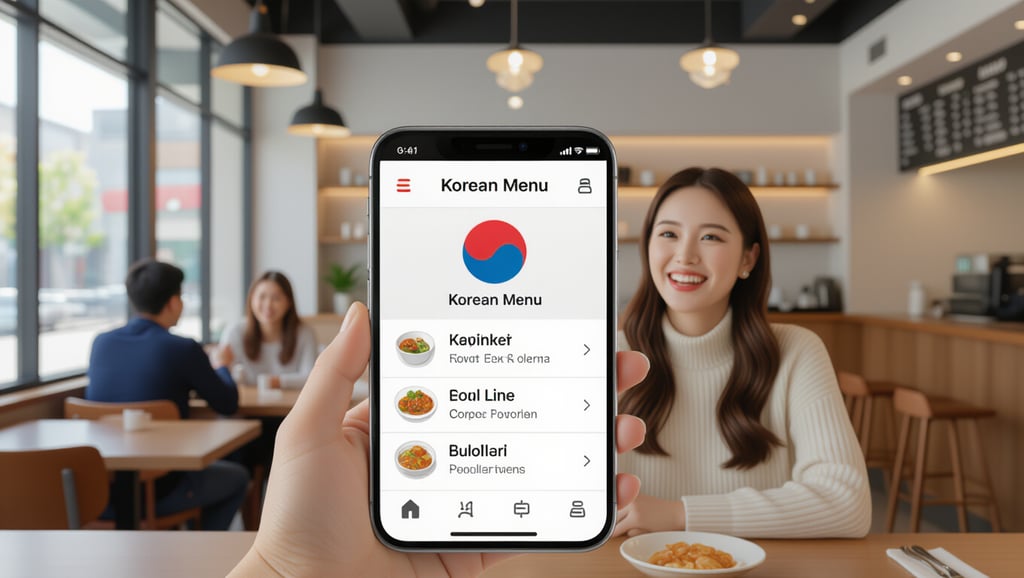
Don’t panic if most menus are in Korean. With the right phone tools, you can understand even detailed options and add-ons with ease.
Recommended Tools
- Papago image translation: Screenshot the menu or point your camera at it—Korean text gets translated into English in real time.
- Check food photos first: Most apps show menu photos—use visuals to confirm what you’re ordering.
- Follow “Best / Popular” labels: Choosing marked best-sellers reduces the chance of disappointment.
Ordering Checklist
- Confirm the menu photo: Make sure it’s the dish you think it is.
- Translate options: Double-check spice levels and add-ons with a translator.
- Read photo reviews: They help you understand portion size and real presentation.
When ordering chicken, I used to get confused by the options for bone-in vs. boneless—Papago’s camera translation cleared it up instantly.
💳 Fixing Payment Failures & Smart Payment Options

For many foreigners, the hardest part of using Korean delivery apps is the payment step. Even without a Korean card, you can often solve this by using mobile wallets or choosing the right platform.
Use Shuttle Delivery Payment Options
How to Increase Your Payment Success Rate
- Try Apple Pay / Google Pay: If your overseas card is linked to your mobile wallet, try paying via wallet options in Baemin or Coupang Eats.
- Use Shuttle Delivery: If you keep getting payment errors, Shuttle is often the most reliable choice for international cards.
- Avoid pay-on-delivery: As contactless culture grows, pay-on-delivery options are disappearing—prepaying in the app is usually best.
📊 Payment Method Comparison
| Payment method | Pros | Cons |
|---|---|---|
| Korean credit/debit card | Works smoothly on all apps | Hard to get at first |
| Mobile wallet (Apple Pay, etc.) | Can link overseas cards | Only supported in some apps |
| Shuttle in-app payment | Best compatibility with international cards | Only available inside Shuttle |
At first my overseas card kept getting rejected, but once I linked it to Apple Pay, payments started working smoothly—even on Baemin.
📌 Final Thoughts

Korea’s delivery culture can feel like a whole new world—super convenient, even for foreigners. Address entry and payment may feel unfamiliar at first, but if you use Shuttle Delivery and the mobile wallet tips introduced today, you’ll adapt much faster than you think.
As long as you remember two things—enter a precise address and use a translation app—you can enjoy Korea’s best food experiences from anywhere. Don’t overthink it. Use this guide and go for your first order today!
Frequently Asked Questions
Can I order delivery in Korea without a Korean phone number?
Yes. Shuttle Delivery lets you sign up and order without Korean phone number verification, and it provides full English service.
I don’t know my address in Korean—how should I enter it?
The most accurate method is to find your address on Naver Map or KakaoMap, copy the Korean address, and paste it into the delivery app’s address field.
Can I pay with an overseas-issued credit card?
Shuttle Delivery officially supports international cards. For Baemin or Coupang Eats, if direct card payment fails, try using Apple Pay or Google Pay with your overseas card linked.
Use Papago or Google Translate’s real-time camera translation to instantly read Korean text on your screen and order confidently.
I’m worried about speaking Korean with the delivery rider—what can I do?
Select a contactless option like “Leave it at the door,” and complete prepaid payment in the app. Then you can receive your food without meeting or talking to the rider.