
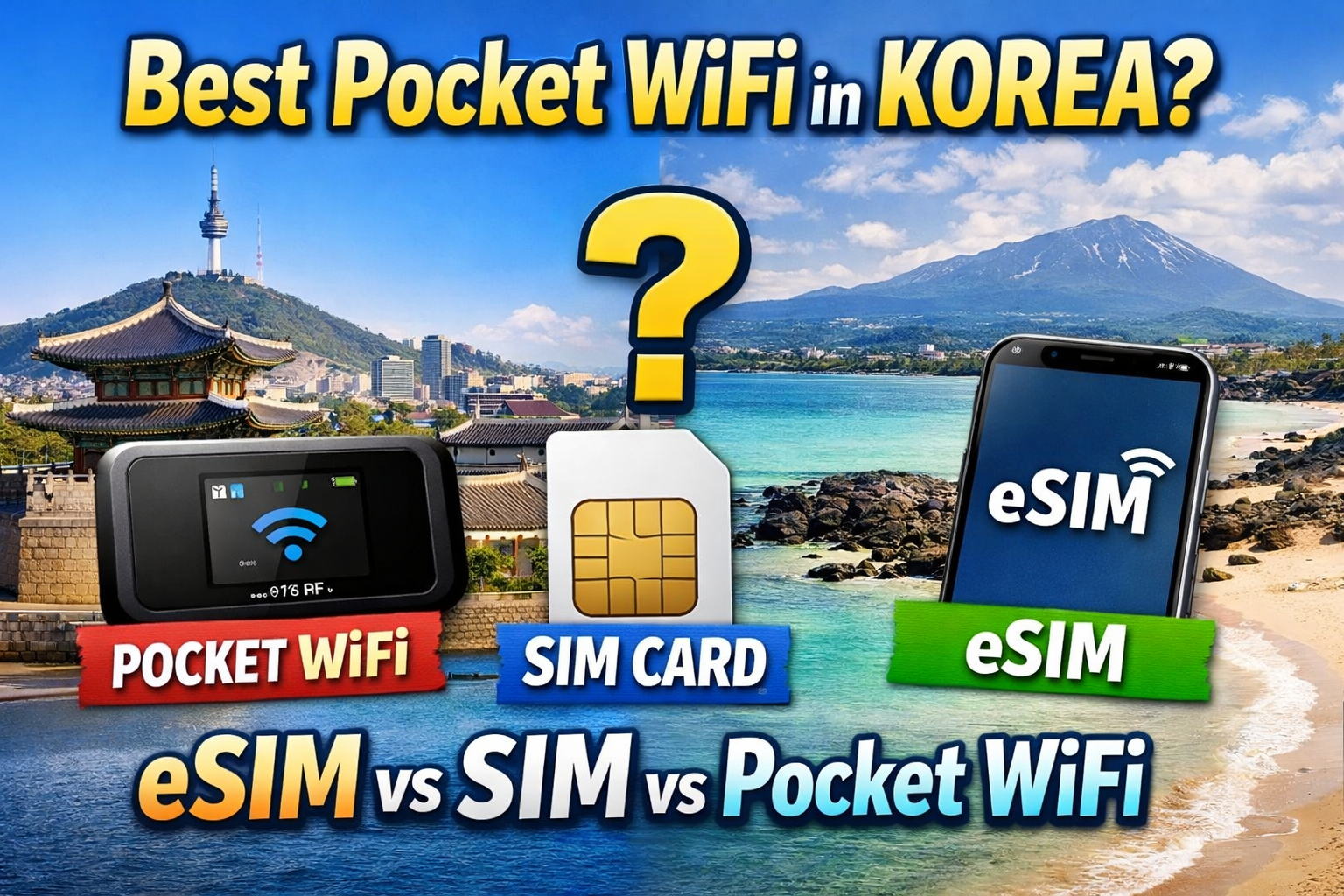
Planning a trip to Korea? From Seoul’s dazzling night views to Jeju Island’s beautiful blue coastline, one of the first things you need for a smooth trip is a reliable internet connection. In this guide, we’ll take a close look at the three must-have options for staying connected in Korea—pocket WiFi, eSIM, and SIM cards—so you can choose the one that best fits your travel style.
📋 Getting Online in Korea: A 3-Way Comparison

The moment you land in Korea, one of the first things to think about is staying connected. Korea is known for its strong internet infrastructure, but for navigation, ride-hailing, and everyday travel convenience, having your own stable data connection is essential.
Visit the Official Korea Tourism Website
Key Features and Benefits
- eSIM: The easiest option of all. No need to swap physical chips—just scan a QR code and activate it instantly.
- Local SIM Card: Ideal if you need a Korean phone number for restaurant reservations or delivery apps.
- Pocket WiFi: A cost-effective choice for group travel since multiple people can connect to one device at the same time.
📊 Comparing Your Data Options
| Category | eSIM | Local SIM Card | Pocket WiFi |
|---|---|---|---|
| Convenience | Very High | Moderate | Moderate (extra device required) |
| Local Number | Usually No (with some exceptions) | Yes | No |
| Best For | Solo Travelers | Travelers using local services | Families and friend groups |
When I traveled alone, using an eSIM was incredibly convenient. I didn’t have to worry about losing my original SIM card, and I was online almost immediately after setup.
📶 Carrier Performance and Coverage in Korea
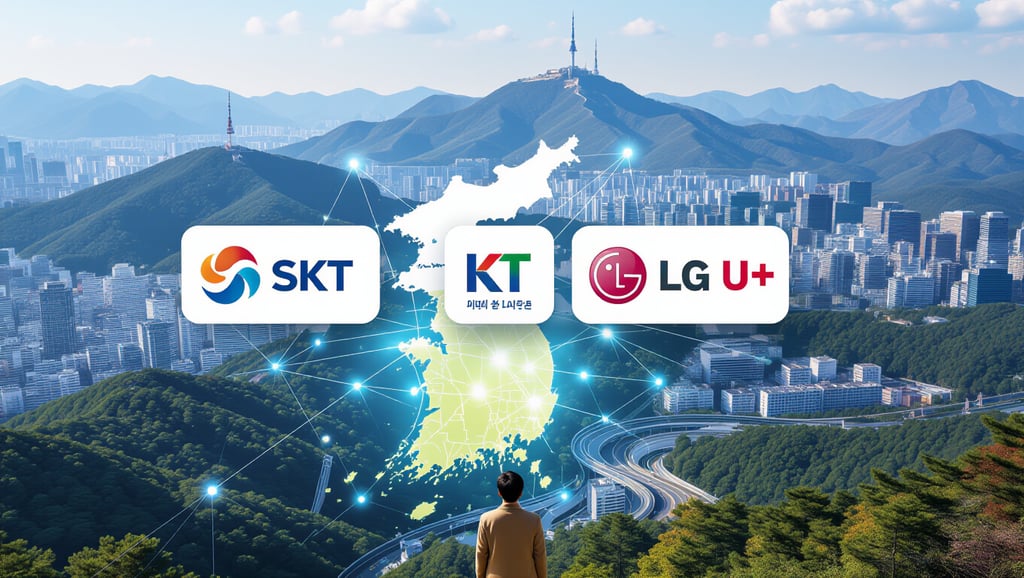
When choosing a pocket WiFi or SIM option, it’s important to check which carrier network it uses. Korea’s three major telecom providers—SKT, KT, and LG U+—each have their own strengths.
Learn More on SK Telecom’s Official Website
Carrier Strengths at a Glance
- SK Telecom (SKT): Known for the widest nationwide coverage, with reliable service even in rural and mountainous areas.
- KT: Excellent in urban areas and subway systems, with a wide range of short-term plans for travelers.
- LG U+: Strong 5G speeds in cities and often good-value plans for longer stays.
📝 How to Choose
- Traveling all around Korea?
- A product using the SKT network is a great choice for its stability and broad coverage.
- Mostly staying in Seoul and other major cities?
- KT is excellent underground and in transit, while LG U+ can be a smart choice if you want fast city speeds.
I still remember how SKT worked without interruption even near Hallasan on Jeju Island, which made it easy to upload photos to social media right away.
👨👩👧👦 How to Make the Most of Pocket WiFi for Group Travel

If you’re traveling with others, pocket WiFi can be the smartest option. One small router lets everyone in the group share the same connection.
Visit the Incheon International Airport Official Website
Why Travelers Love Pocket WiFi
- Lower Cost: Splitting the rental fee is often much cheaper than buying separate SIM cards for everyone.
- Multiple Connections: Not just smartphones—many devices can connect at once, including laptops and tablets, often up to five devices.
- Unlimited Data: Many plans include unlimited data, so you can stream and browse without worrying about limits.
⚠️ Things to Keep in Mind
- Battery Life: You’ll need to charge it every night, and it’s a good idea to carry a power bank.
- Stay Close Together: If the person carrying the device walks away, everyone else may lose their connection.
When I split the cost with three friends, we ended up paying less than the price of a cup of coffee per day for unlimited data.
📱 A Closer Look at eSIM and Local SIM Cards

These days, eSIMs and local SIM cards are increasingly popular because there’s no need to carry an extra device. They’re especially appealing for travelers who value portability.
Detailed Features by Option
- eSIM: Buy it online, scan the QR code sent by email, and you’re ready to go. You can even set it up before arriving in Korea.
- Local SIM Card: Usually picked up at the airport counter and inserted manually. Since it gives you a Korean number, it’s useful for apps like Kakao T.
📊 eSIM vs. SIM Card
| Feature | eSIM | Local SIM |
|---|---|---|
| Installation | Scan a QR code | Replace a physical chip |
| Device Compatibility | Only supported on newer devices | Works with most phones |
| Main Advantage | No risk of losing a SIM chip | Provides a local phone number |
A local SIM card is especially helpful when ordering food delivery or joining restaurant waitlists, since a Korean phone number often makes things much easier.
✈️ Must-Know Prep Tips Before Arriving in Korea

If you want to use the internet stress-free from the moment you arrive, preparation is everything. Airport WiFi can be inconsistent, so it’s best to get ready in advance.
Step-by-Step Preparation
- Book in Advance: Reserve online two to three days before your trip to save time at the airport.
- Check Your Device: Make sure your phone is unlocked and not restricted by a country lock.
- Complete Setup Early: With an eSIM, registering the profile on the plane can help you get connected as soon as you land.
💡 Activation Tips
- Turn On Data Roaming: To connect to a local network, you usually need to enable the “data roaming” setting.
- Use Airport Counters: If the connection doesn’t work properly, asking for help at the airport telecom counter is often the fastest solution.
I finished the setup just before landing, and while waiting in the immigration line I was already able to message my family that I had arrived safely.
🔍 Fixing Data Issues in Korea and Helpful Travel Apps

If your data suddenly stops working or becomes slow while traveling, don’t panic. Try the following steps first.
Find More Korea Travel Info on Naver
Troubleshooting Checklist
- Airplane Mode: Turn it on for about 10 seconds and then off again to force your phone to reconnect to nearby networks.
- Network Settings: Check whether your network operator selection is set to “automatic.”
📍 Must-Have Apps for Traveling in Korea
- Naver Map / KakaoMap: These are far more accurate than Google Maps for directions and subway information in Korea.
- Papago: Excellent for Korean translation, especially when reading menus or signs.
I once got completely lost relying only on Google Maps, but Naver Map even showed the correct subway exit numbers, which made things so much easier.
💡 Final Recommendations by Travel Style

In the end, the best option depends on how you travel. So which one is right for you?
Tailored Recommendation Guide
- Solo Travelers: eSIM is highly recommended for its simple setup and solid value.
- Families or Friends Traveling Together: Pocket WiFi is the most economical since you can split the cost and connect multiple devices.
- Long-Term Stays or Business Trips: A local SIM card is the best solution if you absolutely need a Korean phone number.
📊 Final Summary Table
| Travel Style | Recommended Option | Why It Works |
|---|---|---|
| Solo / Couples | eSIM | Convenience, portability |
| Groups of 3 or More | Pocket WiFi | Better value, unlimited data |
| Using Local Services | SIM Card | Includes a Korean phone number |
When traveling with my parents, using just one pocket WiFi for everyone was by far the easiest and most efficient setup.
📌 Final Thoughts

We’ve now taken a detailed look at pocket WiFi, eSIM, and SIM cards—three essential connectivity options for traveling in Korea. Each one has its own strengths depending on how many people are traveling, whether you need a local number, and how much convenience matters to you.
If you prepare the best internet option in advance based on your route and travel goals, every moment of your Korea trip will be easier, smarter, and more enjoyable to capture. I hope the tips in this guide help you create unforgettable memories in Korea!
Frequently Asked Questions
What is the most cost-effective internet option for group travel in Korea?
Pocket WiFi is usually the most economical choice for group travel. One device can typically connect up to five people at the same time, helping you save money.
Which option should I choose if I need a local Korean phone number?
If you need a local number for restaurant reservations, delivery apps, or other local services, a physical local SIM card is the best option.
What should I check before using an eSIM in Korea?
First, make sure your smartphone supports eSIM. After arriving in Korea, you should also turn on data roaming in your settings so it works properly.
Which carrier is best for rural areas or Jeju Island?
A product that uses the SK Telecom (SKT) network is often the safest choice thanks to its broad and stable coverage across Korea.
In Korea, Naver Map and KakaoMap are generally much more accurate and detailed than Google Maps, so it’s a good idea to install them before your trip.