
If you are searching for how to book k.ride airport pickup in Korea, the process is straightforward: install the app before your flight if possible, add a supported payment method, choose the airport pickup or reservation option, select the correct airport and, if you are arriving at Incheon, confirm Terminal 1 or Terminal 2. Enter your hotel or destination carefully and check the pickup instructions in the app before walking outside the terminal.
k.ride is a Kakao Mobility service designed for international travelers. As of August 2026, the current official app listings say airport pickup reservations are available at Incheon Airport Terminal 1, Incheon Airport Terminal 2, Gimpo Airport, and Jeju Airport. The latest app update also lists PayPal as a supported payment method.
The official k.ride service also supports multilingual use, destination search, translated driver chat, fare estimates before calling a taxi, and cashless payment options.
Quick answer: k.ride airport pickup can be useful when you want door-to-door transport after a long flight, have large luggage, arrive late, travel with children, or prefer to enter your destination in the app instead of explaining an address at the curb.
A reserved taxi is not always the cheapest or fastest way to leave the airport. If your accommodation is near Seoul Station, Hongik University Station, or another convenient rail connection, the Airport Railroad may be a better option. If your hotel is far from a station exit or you are carrying several bags, door-to-door transport may be more convenient.
What to Prepare Before Opening k.ride
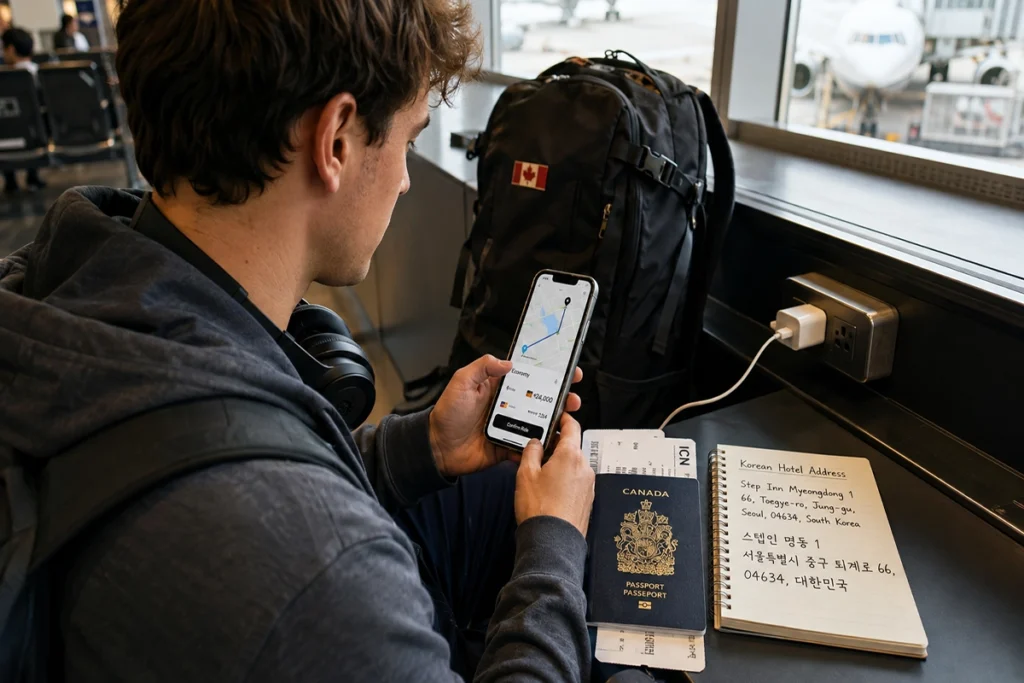
Set up k.ride before you fly if possible. Account registration, payment setup, destination checking, and airport details are easier to handle before you are tired and carrying luggage.
Start from the official k.ride English website. Kakao Mobility describes k.ride as a mobility service for international travelers and provides access to the official app download pages.
Prepare these details before booking:
- Your arrival airport and terminal: If you are arriving at Incheon Airport, confirm whether your flight uses Terminal 1 or Terminal 2.
- Your hotel name and full address: Save the English name, Korean name, and road-name address when available.
- A supported payment method: k.ride currently supports credit or debit cards and mobile payment, and recent official app updates also list PayPal.
- Your luggage count: Choose a vehicle that can accommodate both your group and your bags.
For destination checks, a Korean map service can be useful when an English hotel name produces several results. If you are unsure which app to use, see our Naver Map vs KakaoMap guide for Korea travel.
Which Airport Should You Select?
Do not treat every Seoul-area airport as the same location. Incheon International Airport and Gimpo Airport are separate airports, and Incheon Airport has two passenger terminals. Jeju Airport is another supported airport with destinations spread across different parts of the island.
| Airport in k.ride | What to double-check | Backup plan |
|---|---|---|
| Incheon Airport T1 or T2 | Confirm your airline terminal and follow the pickup point shown in the app. | Follow official airport taxi signs if the reserved pickup is unavailable or unclear. |
| Gimpo Airport | Check whether you arrive at the domestic or international terminal and follow the app’s pickup instructions. | Use the official taxi stand or public transportation if needed. |
| Jeju Airport | Check the exact hotel, resort, or neighborhood before confirming the ride. | Use the official airport taxi stand if a suitable k.ride option is not available. |
At Incheon Airport, do not assume your reserved taxi will use the same queue as a regular street taxi. The official Incheon Airport taxi guide lists dedicated pickup locations for pre-booked taxis. Because airport operations can change, follow the pickup point shown in k.ride and current airport signs rather than relying on an old gate number saved from another trip.
The airport also warns travelers about illegal solicitation and overcharging by vehicles posing as legitimate taxi services. Use the app or designated airport taxi areas rather than accepting an unsolicited ride offer inside or outside the terminal.
If you ever have a taxi overcharge or payment problem, our guide to reporting a taxi problem in Korea explains what evidence to save and where travelers can ask for help.
For other transportation options, the VISITKOREA airport transportation guide covers rail, airport buses, and taxis at major Korean airports.
How to Book k.ride Airport Pickup Step by Step
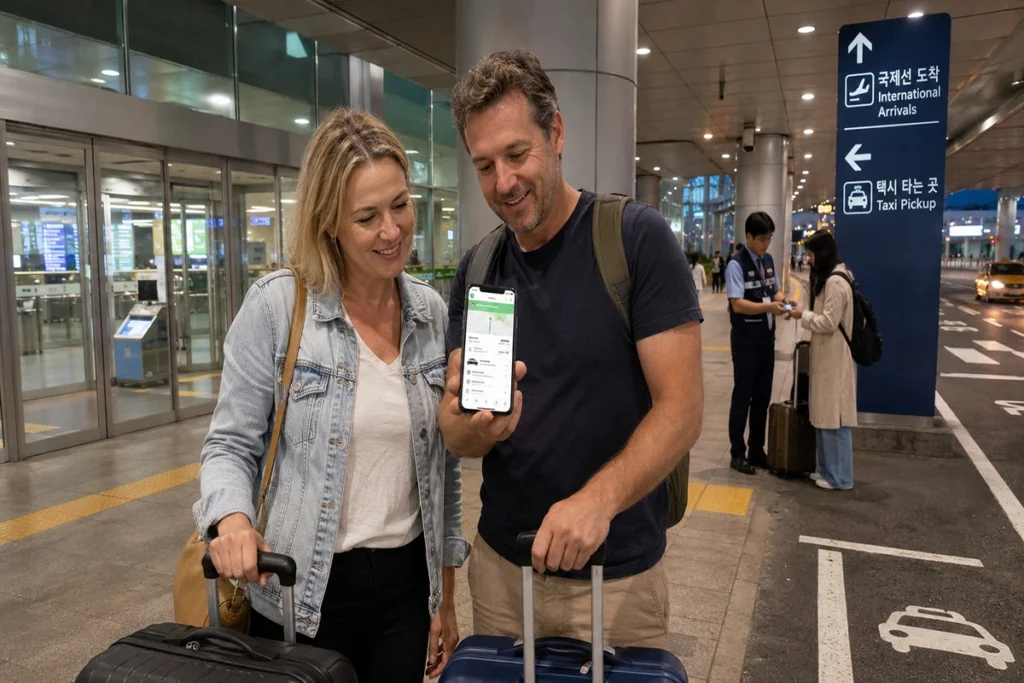
The wording and position of buttons may change as the app is updated. Use the steps below as a booking checklist rather than assuming every app version will have exactly the same screen.
- Install k.ride before departure. Open the app, select your language, and complete the registration process.
- Add a payment method. Register one of the payment methods supported in your current app version.
- Find the airport pickup or reservation option. Check the services currently shown for your arrival airport. If the airport pickup option does not appear, confirm that your app is current and use another transport option if necessary.
- Select the correct airport. If arriving at Incheon, make sure you choose Terminal 1 or Terminal 2 correctly.
- Enter your destination carefully. Search by hotel name and compare the Korean address when possible. For apartments or short-term rentals, use the exact road-name address provided by your host.
- Choose the vehicle type. Consider passengers and luggage together instead of choosing only by price.
- Review the fare and reservation conditions. k.ride provides an estimated fare before a taxi is called. Check the amount, vehicle type, payment method, and any reservation or cancellation information displayed before confirming. If you were charged after canceling a booking, see our guide to checking and disputing a k.ride cancellation fee.
- Check the reservation again after landing. After immigration and baggage claim, open the app and follow the current driver, reservation, and pickup point instructions.
If your flight is delayed, do not assume that the driver or reservation will automatically adjust unless the app clearly tells you so. Check your reservation status and use the in-app support or translated driver chat if necessary.
Common Booking Problems and How to Avoid Them
Wrong Terminal at Incheon Airport
Incheon Terminal 1 and Terminal 2 are separate passenger terminals. Going to the wrong terminal can add unnecessary travel time, so confirm your arrival terminal using your airline information or the current Incheon Airport flight information before booking.
Hotel Name Does Not Appear in English
This can happen with smaller hotels, guesthouses, serviced residences, and properties with several branches. Search the property in Naver Map or KakaoMap, compare the Korean name and road address, and make sure the neighborhood matches your booking.
Too Much Luggage for the Vehicle
Passenger count alone does not tell you whether a car is large enough. Two travelers with large checked bags and carry-ons may need more luggage space than several travelers carrying only backpacks. Compare the vehicle choices shown in the app before confirming.
The Fare Looks Higher Than Expected
Taxi costs can vary with distance, traffic, tolls, vehicle type, and time of day. Incheon Airport’s official taxi information also lists late-night surcharges for several taxi categories.
Use the estimated fare and conditions displayed in k.ride as your main reference before confirming. If the estimate does not suit your budget, compare it with the Airport Railroad, airport bus, or official taxi stand.
When k.ride Airport Pickup Makes Sense
k.ride airport pickup is most useful when convenience matters more than finding the lowest possible fare. It can be practical for late arrivals, families, travelers with large luggage, first-time visitors, or people staying far from a convenient airport rail or bus stop.
It may be less necessary when you are traveling light and staying near Seoul Station, Hongik University Station, or another destination with a simple airport rail connection.
For example, a family arriving at Incheon Terminal 2 with several large bags and a hotel that requires another subway transfer may value door-to-door transport. A solo traveler with one backpack staying near Hongik University Station may find the Airport Railroad more convenient.
Arrival-Day Checklist Before You Confirm
- The airport and, for Incheon, terminal match your flight.
- The destination address matches the correct hotel or property.
- The vehicle is large enough for passengers and luggage.
- Your payment method is accepted in the current app.
- You have reviewed the estimated fare and reservation conditions.
- You understand the pickup point shown in the app.
- You know your backup option: official taxi stand, airport bus, rail, or information desk.
Saving screenshots of your hotel address, reservation details, and map location can also be useful if your connection becomes unstable or the driver asks you to confirm the destination.
FAQ
Can I book k.ride airport pickup after I land?
You may be able to arrange a ride after landing if the app shows availability, but do not assume that an airport pickup reservation will always be available immediately. Check the available reservation options and vehicle choices shown in k.ride. If no suitable option appears, use the official airport taxi stand, rail, or airport bus.
Is k.ride airport pickup the same as a private airport transfer?
Not necessarily. k.ride is an app-based mobility service from Kakao Mobility, and its airport pickup feature should not automatically be treated as a chauffeur-style meet-and-greet service inside the arrivals hall. Check the vehicle type, pickup instructions, estimated fare, and reservation conditions shown in the app.
Which Korean airports currently support k.ride airport pickup reservations?
As of August 4, 2026, the official k.ride app listings state that airport pickup reservations are available at Incheon Airport Terminal 1, Incheon Airport Terminal 2, Gimpo Airport, and Jeju Airport. Because app features can change, confirm the current supported airports before your trip.
Official Information Checked
- Official k.ride website by Kakao Mobility
- Incheon International Airport official taxi guide
- VISITKOREA airport transportation guide
Information checked: August 4, 2026. Current k.ride app listings, Kakao Mobility’s official k.ride information, Incheon International Airport taxi guidance, and VISITKOREA transportation information were reviewed for this article.
You Might Also Like: First Things to Do After Arriving in Korea: SIM Card, T-money, Transportation & Settlement Guide