
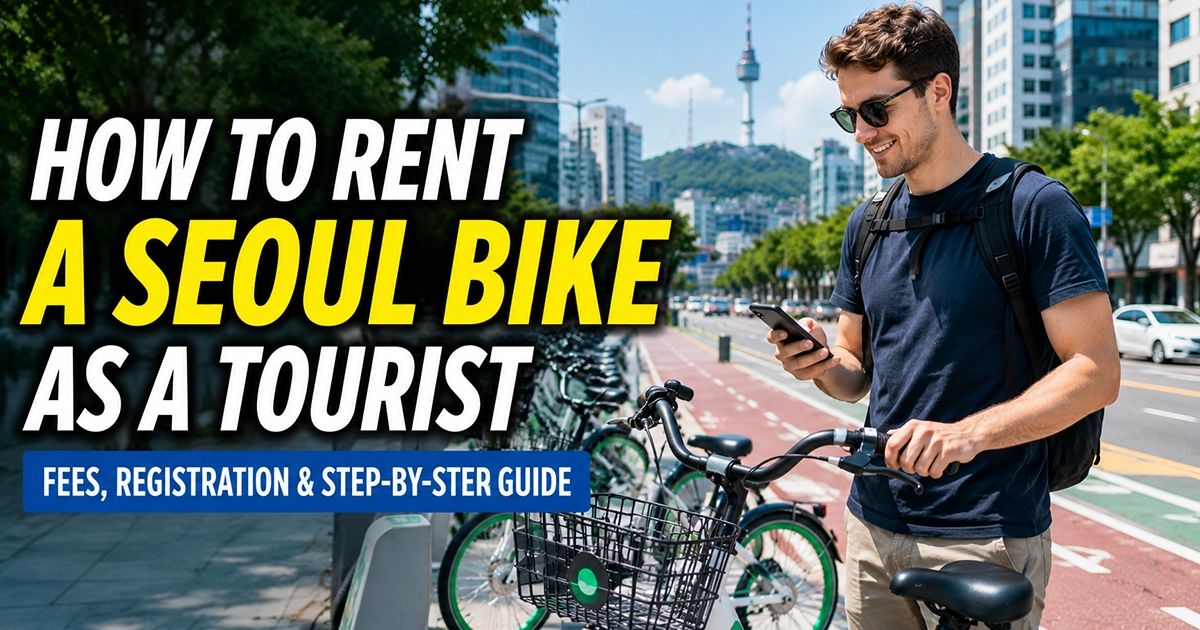
Yes. Tourists can rent Seoul Bike, also called Ttareungi, without a Korean phone number. International visitors can use the Foreigner option in the official Seoul Bike app instead of going through the Korean membership and mobile-verification process.
The tourist flow uses an email address and a supported foreign-tourist payment method. That distinction matters because a visitor using the Foreigner route does not need to buy a Korean SIM simply to unlock a Seoul public bike.
Quick answer: Open the Seoul Bike app, choose Foreigner, select an available pass, enter your email address, complete payment, and scan the QR code on an available bike. A Korean mobile phone number is not required for this tourist route.
Use the Foreigner Option, Not the Korean Member Signup
Seoul Bike has separate routes for different types of users. A resident trying to create a normal membership may encounter mobile-phone requirements, while international tourists can use a dedicated foreign-visitor process.
The Seoul Metropolitan Government’s official instructions for international tourists show the process beginning with Foreigner on the main screen. The following steps ask the visitor to choose a pass, enter an email address, agree to the terms, and proceed to payment.
If you do not have a Korean number, do not assume you are blocked just because the ordinary signup screen asks for one. Return to the opening screen and look for the Foreigner option instead.
How to Rent a Seoul Bike as a Tourist
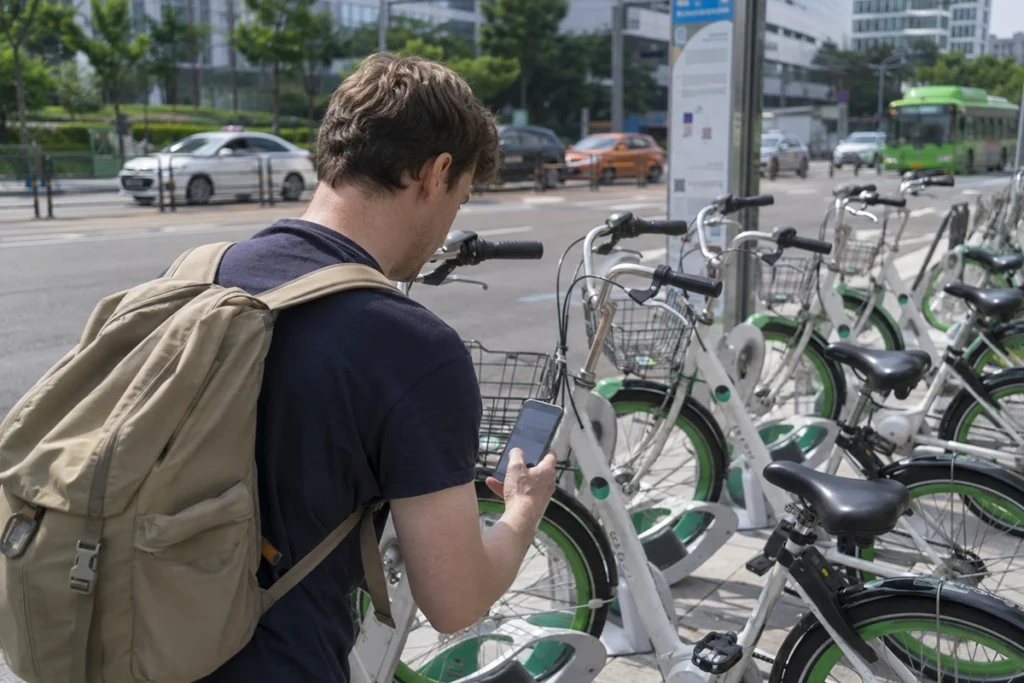
The tourist process is designed to be completed on a smartphone. You will need internet access and camera permission because a QR-equipped bike is unlocked by scanning its QR code.
- Install the official Seoul Bike app. Open it before you reach the rental station so you can check that it loads correctly.
- Select Foreigner. This takes you into the tourist-oriented flow rather than Korean member registration.
- Choose a rental pass. Select from the options currently displayed in the foreign-tourist section of the app.
- Enter your email address. Seoul’s official tourist instructions use email as part of the pass process.
- Review and accept the required terms.
- Complete payment. When paying by credit card through the foreign-tourist route, Seoul Bike states that the card must have been issued outside South Korea.
- Find an available bike. Use the rental-station information in the official service.
- Tap the rental button and scan the QR code. Once the lock releases, the rental begins.
The official Seoul Bike usage guide also provides the current rental procedure and foreign-tourist instructions.
You Still Need Internet, but Not a Korean SIM
A Korean phone number and mobile internet are two different things. You do not need a Korean number for the Foreigner rental flow, but your phone still needs a reliable data connection to buy a pass, check rental information, and scan a bike’s QR code.
That connection can come from roaming, an eSIM, a physical SIM, or another reliable data connection. If you are deciding what to set up before your trip, the KoreaEasyTrip guide to eSIM, physical SIM, and roaming in Korea explains which options provide data and which may include an actual Korean number.
Buying a Korean phone number solely for Seoul Bike is therefore unnecessary for a normal tourist using the Foreigner route.
Can You Pay With a Foreign Credit Card?
Seoul Bike’s official foreign-tourist instructions support credit-card payment and state that credit cards used through this tourist route must be issued outside South Korea.
The current Seoul Bike FAQ also states that one overseas-issued card can be used to purchase one foreign-tourist pass. A group should therefore not assume that one card can automatically buy separate passes for every rider.
An overseas-issued card is not guaranteed to complete every transaction. If payment fails, check the card issuer’s settings and authentication requirements and, if possible, try another supported overseas-issued card.
Discover Seoul Pass is also listed by Seoul Bike as a payment or pass option for foreign tourists when applicable. Follow the options actually displayed when you rent, because available pass and payment routes can change.
How Long Can Tourists Rent a Bike?
The current Seoul Metropolitan Government pricing page lists 60-minute, 120-minute, and 180-minute one-day options for non-members. The exact options shown in the Foreigner flow may differ, so use the pass choices displayed in the official app at the time of purchase.
For standard 60-, 120-, and 180-minute products, the time refers to the maximum duration of each individual rental before additional charges apply. Riders can return the bike within the allowed period and rent another bike again while the pass remains valid.
Seoul Bike’s current terms separately define an all-day pass for foreign users that can allow a bicycle to be used for up to 24 hours without an intermediate return.
However, the current Discover Seoul Pass instructions for its All day (24h) Seoul Bike option tell users to return the bike every hour and rent again. Because the official instructions differ by product, do not assume that every 24-hour or all-day option follows the same return rule. Follow the conditions shown for the exact pass in the official app when you rent.
For current standard pricing, check the official Seoul Public Bike pricing page rather than relying on an old screenshot or travel blog.
What If the App Asks for a Korean Phone Number?
First check which user route you entered. If you started Korean membership registration rather than choosing Foreigner, the app may present requirements intended for domestic or resident users.
Return to the starting screen and choose the foreign-tourist option. If the expected option is missing, update the official app and compare the screen with the current Seoul Bike guidance before trying to create a domestic account with information you do not have.
A tourist SIM with a Korean number should not be treated as a universal workaround. Having a Korean phone number is separate from completing a domestic membership process, and purchasing a short-term SIM does not automatically make a visitor eligible for every Korean identity-verification system.
If Your Foreign Card Is Declined
A failed payment does not necessarily mean tourists are no longer allowed to use Seoul Bike. The card itself, its issuer, authentication settings, or the payment connection may be the problem.
- Check that the card was issued outside South Korea when using the foreign-tourist credit-card route.
- Check with your card issuer if online or overseas transactions are being blocked.
- Try another supported overseas-issued card if you have one.
- Confirm that your mobile connection is stable before restarting payment.
- If you have an eligible Discover Seoul Pass, check whether its Seoul Bike option is available.
Do not repeatedly create accounts or enter random Korean phone numbers to bypass the tourist flow. Using the designated Foreigner option is the cleaner route.
A Few Things to Check Before Unlocking the Bike
Once payment works, take a moment to inspect the bike before scanning its QR code. Check the tires, brakes, and general condition, and make sure you understand the return rules for the pass you purchased.
For standard timed passes, watch the individual rental limit shown for your product. Additional fees apply when the relevant base rental time is exceeded, and unpaid additional charges can prevent another rental.
Seoul Bike can be returned at Seoul Bike rental stations, so checking nearby stations before starting can make the end of the ride easier. For any special foreign-tourist product, follow the return conditions displayed for that specific pass.
If you lock your Seoul Bike but do not receive a return confirmation, do not assume the rental has ended. See our guide to fixing an unconfirmed Seoul Bike return and avoiding extra charges for the steps to take.
For the rest of your trip, Seoul Bike works best as one transport option rather than a replacement for the entire network. The Seoul public transportation guide for first-time travelers explains when subway, buses, transportation cards, and taxis may make more sense.
What About Children?
Families should check the age rules before buying a pass. Seoul Bike’s current official guidance says users aged 12 or younger cannot normally use the service. It also explains that a 13-year-old requires guardian consent and should use the applicable membership process.
If you are traveling with a young teenager, check the current official Seoul Bike rules rather than assuming the standard tourist process works exactly the same way as it does for an adult.
The Practical Answer for Tourists
You do not need a Korean phone number just to rent a Seoul Bike as an international tourist. Use the official app’s Foreigner route, provide your email address, choose an available pass, pay through a supported foreign-tourist payment method, and scan the bike’s QR code.
The part most likely to cause confusion is entering the wrong signup route. If you see Korean mobile requirements, check that you selected Foreigner before deciding that you need a Korean SIM.
Pass conditions are also worth checking before you start riding. Standard 60-, 120-, and 180-minute products use per-rental time limits, while separate foreign-tourist products may follow different rules. Use the conditions shown for the exact pass you purchase.