
Last checked: August 3, 2026. Ticketing platforms, identity-verification methods, payment options, pickup rules and cancellation policies can change by event. Always follow the official notice for the exact concert, musical, exhibition, sports match, festival or performance you plan to attend.
You can often buy event tickets in Korea without a Korean phone number, but the correct booking route matters more than the phone number itself. Start with the organizer’s official announcement and use the global or overseas sales page when one is provided.
A global page does not guarantee that every event can be booked without additional identity verification. Some events use passport-based verification, while others may require another verification method or may be available only through a domestic route.
Quick answer: Find the official event announcement first, open the exact global or overseas ticket link named there, create your account before sales open, use the legal name format required by the event, prepare a payment method that supports international online transactions, and read the identity, delivery, pickup and cancellation rules before paying.
Why a Korean Phone Number Is Not the Only Issue

A Korean ticketing page may ask for a phone number simply as contact information, or it may require a separate identity-verification process. Those are not the same thing.
Having mobile data, a tourist SIM or even a Korean-format phone number does not automatically mean that the number will satisfy the exact identity-verification system used by a domestic ticketing page.
If you are still deciding what kind of mobile service to use during your trip, our Korea eSIM vs SIM guide explains the difference between data-only service and plans that include calling or SMS features.
When a domestic page immediately asks for a verification method you cannot complete, do not enter a random Korean number or use another person’s identity. Return to the official event announcement and check whether a separate global sale exists.
Start With the Official Event Announcement
Do not choose a ticketing platform first. The artist, venue, sports team, festival, promoter or event organizer decides which seller is authorized for that event.
The official notice should tell you:
- the authorized ticket seller
- whether Korean and global sales use different links
- the sale date and time in KST
- ticket limits
- age restrictions
- presale or membership requirements
- identity-verification requirements
- ticket delivery or pickup method
- cancellation and refund rules
A Google search result, translated domestic page or old social-media post should not replace the current official event notice.
Official Global Ticketing Routes You May Encounter
Several Korean ticketing companies operate global or English booking routes, but event availability and verification rules are not identical.
| Platform | What It Offers | What to Check |
|---|---|---|
| NOL World | Concerts, musicals, plays, exhibitions, sports and other ticket products | Whether the specific event requires identity verification, the accepted payment methods and ticket-delivery rules |
| Ticketlink Global | Performances, exhibitions, sports, esports and other supported events | Whether the product requires passport-based Global Identity Verification |
| YES24 Ticket Global | Concerts, musicals, plays, exhibitions and selected other performances | Separate Global account registration, payment authentication and event-specific pickup rules |
| Organizer or venue route | Smaller events, sports, local festivals or special ticket programs | Online sales, email reservations, box-office sales and official customer support |
NOL World
Interpark Global was renamed NOL World on December 1, 2025. Older ticket guides may still refer to Interpark Global, but current event information should be checked on NOL World.
The current NOL World ticket page lists concerts, musicals, plays, exhibitions, sports and other ticket categories.
Do not assume that NOL World automatically removes every identity requirement. Its current terms allow additional identity verification when required, and individual ticket products can have their own rules.
Ticketlink Global
Ticketlink operates a global booking route for international users. Some products marked for verified members require foreign users to complete passport identity verification before ticket purchase.
Ticketlink’s Global Member Identity Verification notice explains that passport verification applies to products requiring that verification.
YES24 Ticket Global
YES24 Ticket Global is separate from the domestic YES24 account system. Its official FAQ states that users who want to book through the Global Ticket site must create a Global Ticket account.
The same FAQ states that Global card payments require 3D authentication and that individual shows can have different ticket-pickup and identity rules.
Check the current YES24 Ticket Global site and the individual event page before booking.
Prepare Before Ticket Sales Open
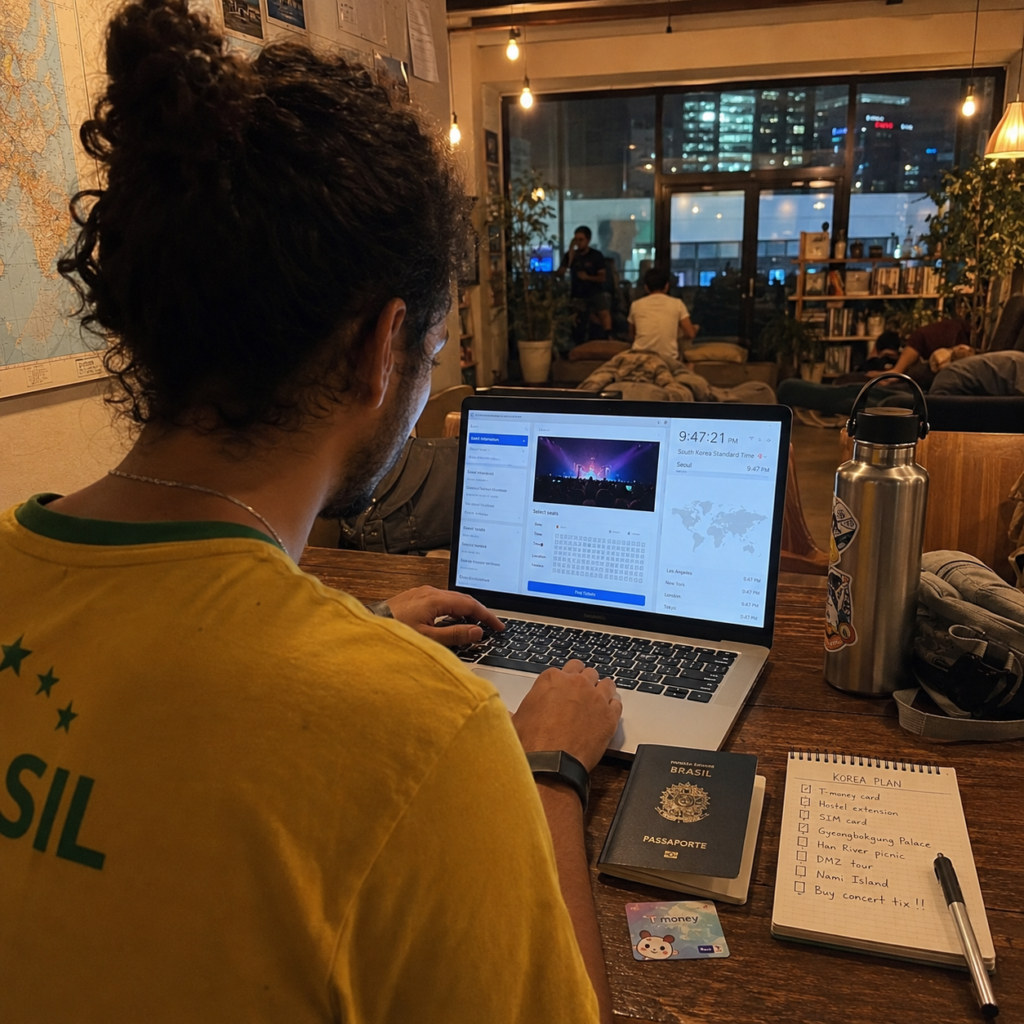
Create and verify the required ticketing account before the sale begins. Popular events can have limited inventory, and correcting your account or payment settings after entering the booking process can cost time.
- Use the required legal name format. Compare the ticketing instructions with the identification document you will use.
- Check the sale time in Korea Standard Time. Convert it to your local date and time in advance.
- Read the age rule. Do not assume that all seated, standing or late-night events use the same age limit.
- Check the ticket limit. Presale purchases may count toward the general-sale limit.
- Prepare the accepted payment method. Confirm international online payments and issuer authentication before ticket day.
- Allow required payment windows. Some ticket sites use separate booking or authentication pop-ups.
- Check the delivery method. The ticket may be mobile, shipped, collected at the venue or handled another way.
If the Event Has a Fan Club Presale
Buying an official fan club membership does not automatically give you a ticket. Membership registration, fan club verification and the actual ticket purchase are separate steps.
Some events require verification during a window that closes before the presale begins. Others separate Korean and global verification routes.
If your event uses a membership presale, see our fan club verification guide for foreigners before submitting your membership information.
Buy the Ticket Step by Step
- Open the official announcement and confirm the event date, venue and authorized ticket seller.
- Follow the exact Korean or global sales link provided for your eligibility.
- Log in before the sale begins and check your account information.
- Review identity checks, age limits, ticket limits, pickup rules and cancellation terms.
- Select the available ticket or seat.
- Complete the payment and any card-issuer authentication.
- Wait for the ticketing platform to confirm the reservation.
- Open your booking history and save the reservation number, seat information and confirmation email.
A card notification alone does not prove that a ticket was successfully booked. The reservation should appear in the official ticketing account or booking history.
What to Do When Payment Appears to Fail
Do not immediately submit the same payment several times. A failure can occur at the payment pop-up, issuer-authentication stage, ticketing platform or seat-hold stage.
First check:
- the ticketing site’s booking history
- your confirmation email
- whether a reservation number was created
- whether the card transaction is pending, completed, reversed or declined
If there is no confirmed reservation, review the event’s accepted payment methods and your issuer’s international online-payment settings.
For detailed troubleshooting, see our foreign-card ticketing troubleshooting guide.
What If the Event Has Only a Korean Domestic Page?
If the only authorized page requires a verification method you cannot complete, do not borrow a stranger’s Korean number or create an account under another person’s identity.
Instead, check the official sources for these alternatives:
- a later global general sale
- an official overseas sales page
- an organizer or venue email reservation
- an official visitor or travel package
- authorized box-office sales
- an updated sales notice released after the initial domestic presale
Some events simply do not provide an overseas-friendly booking route. If no official alternative exists, a tourist SIM or translated domestic page may not solve the underlying identity requirement.
Ticket Delivery and Venue Pickup
Do not assume that every ticket bought by a foreign visitor is collected at the venue. Depending on the event, tickets may use a mobile ticket, international shipping, domestic delivery, venue pickup or another method.
When the event requires venue identity verification, bring exactly the documents listed in the official notice. A physical passport may be required for some events, while another event may use a different accepted ID policy.
Keep your booking confirmation and reservation number available even when you also have a screenshot. If the notice requires the original identification document, a photo or photocopy may not be accepted.
If the name on your booking is already different from your passport or other required ID, review our concert ticket name and passport mismatch guide before the cancellation deadline.
Cancellation and Refund Rules Are Event-Specific
Cancellation deadlines, fees and refund methods can differ by ticket seller, event, purchase date and delivery method. Read the current product page before paying rather than assuming that another ticket from the same platform follows identical rules.
NOL World’s current terms also state that individual service or product rules can take priority over general terms. The current NOL World terms should be read together with the exact event page when purchasing there.
Do not buy several tickets with the assumption that cancellation will always be free. Once a deadline passes or ticket delivery begins, different restrictions or fees may apply.
Be Careful With Unofficial Resale
A resale screenshot or booking confirmation does not guarantee that you can use the ticket. The risk is higher when an event restricts transfers, checks the purchaser’s identity, requires a verified account or connects special benefits to the original buyer.
Before considering any transfer, read the organizer’s official policy on:
- ticket transfers
- name changes
- proxy pickup
- original-ID checks
- fan club benefits
- VIP or soundcheck access
Be especially cautious when an unofficial seller asks for a private bank transfer, cryptocurrency payment or sensitive identity information while promising guaranteed entry.
If You Are Buying K-pop Concert Tickets
K-pop concerts can add fan club membership, presale verification, strict sale windows and artist-specific pickup rules that are outside the scope of a general Korea event-ticket guide.
For that process, see our dedicated K-pop concert ticket guide for foreign visitors.
Common Mistakes to Avoid
- Choosing a ticket platform before checking the organizer’s official announcement.
- Assuming that changing a Korean page to English creates a global sales route.
- Assuming that every global page eliminates all identity verification.
- Entering a random Korean phone number to bypass verification.
- Creating the ticketing account only after the sale has started.
- Guessing how your legal name should be entered.
- Missing a separate fan club verification period.
- Assuming a card authorization means the reservation succeeded.
- Retrying the same payment repeatedly without checking booking history.
- Ignoring ticket-delivery and venue-pickup rules.
- Assuming another person can always collect or use the ticket.
- Assuming cancellation is free because the event is still weeks away.
- Buying unofficial resale without checking the event’s transfer and ID policy.
Frequently Asked Questions
Can foreigners buy event tickets in Korea without a Korean phone number?
Often, yes, when the event provides an official global or overseas booking route that you can use. However, identity requirements vary, so a global page should not be treated as a guarantee that no additional verification will be required.
Will buying a Korean SIM solve domestic ticket verification?
Not necessarily. Having a Korean phone number and satisfying a ticketing platform’s supported identity-verification process are different things. Follow the exact verification instructions on the official event page.
Which Korean ticketing platform should I use?
Use the platform named in the organizer’s official announcement. Depending on the event, that may be NOL World, Ticketlink Global, YES24 Ticket Global or another authorized seller.
Do I always need my passport at the venue?
No universal rule applies. Bring the physical passport when the event notice requires passport-based pickup or identity verification. Other events may use mobile tickets or different identification requirements.
Can another person pick up my ticket?
Only when the event’s current rules permit proxy pickup or transfer. Do not assume that another person’s passport, a screenshot or the purchaser’s confirmation email will be enough.
What should I do if my card is charged but I have no ticket?
Check the ticketing account and confirmation email first. If no reservation exists, contact the ticket platform and card issuer before trying the payment again. A pending or posted card transaction alone is not a ticket confirmation.
Final Takeaway
Buying an event ticket in Korea without a Korean phone number is often possible, but the safest approach is not to search for a universal workaround. Start with the official organizer, choose the correct Korean or global sales route and follow the identity process designed for that event.
Create your account early, use the required legal-name format, prepare an internationally usable payment method, confirm the reservation after checkout and read the pickup and cancellation rules before traveling to the venue.
NOL World, Ticketlink Global and YES24 Ticket Global provide useful overseas booking routes, but each event can set different identity, payment and delivery conditions. The current event notice is always more important than a general ticketing rule.