
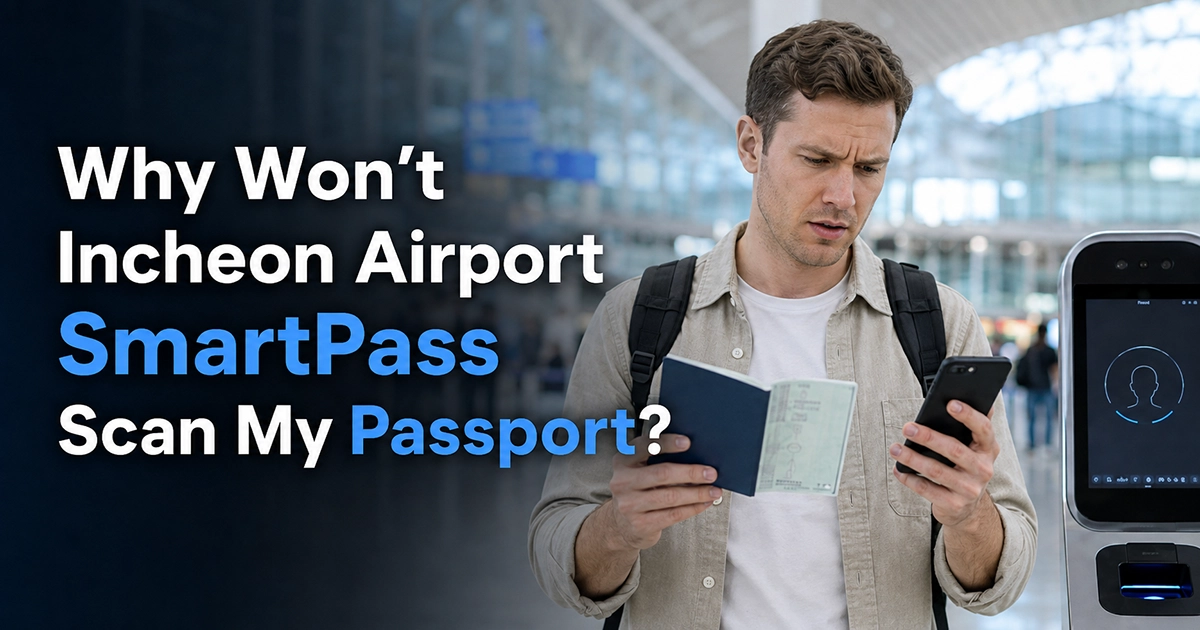
If Incheon Airport SmartPass will not scan your passport, first identify whether the failure happens during the camera scan or the NFC chip scan. The fixes are different. Incheon Airport also states that only e-passports can be registered through the passport-scanning process, so confirming that your passport has an electronic chip is an important first check.
If mobile registration still does not work, you do not have to keep retrying indefinitely. Incheon Airport also lists self-check-in kiosks and selected integrated banking or payment apps as Smart Pass ID registration channels. For travelers who need help at the airport, a self-check-in kiosk is a practical on-site backup.
First, Check Which Passport Scan Is Failing
SmartPass passport registration involves two different scanning steps. Knowing which one is failing will save you from trying fixes that do not apply to the problem.
| Stage | What Is Happening | Where to Start |
|---|---|---|
| Camera scan | The app tries to capture the printed passport information page. | Lighting, framing, focus, camera permission, and passport position. |
| NFC scan | The phone tries to communicate with the electronic chip inside the e-passport. | Phone NFC position, passport position, cases, sleeves, and device settings. |
If SmartPass cannot recognize the printed passport page at all, start with the camera checks below. If it successfully captures your passport details but then fails during the electronic scan, move to the NFC section.
If you are registering a child, also check the age requirement. Smart Pass is available from age 7, and parental consent is required for users under 14.
If SmartPass Cannot Capture the Passport Photo Page

Place the passport on a flat surface, remove any passport cover or sleeve, and open the information page fully. Make sure the printed details and machine-readable lines at the bottom are visible and unobstructed.
- Use bright, even lighting without strong glare across the passport.
- Keep the entire information page inside the app’s scanning frame.
- Clean the phone camera lens if the image looks hazy or out of focus.
- Hold the phone steady instead of repeatedly moving closer and farther away.
- Check that SmartPass has permission to use the camera and install the latest available app update before trying again.
Glare can be a bigger problem than low brightness. If a ceiling light reflects directly across the passport’s glossy surface, move to softer or more indirect lighting rather than repeatedly changing the phone angle.
If the Passport Scans but the NFC Chip Does Not
A successful camera scan does not mean the NFC step will automatically work. NFC is a separate contactless connection between the phone and the electronic chip in an e-passport.
1. Confirm That You Have an e-Passport
Incheon Airport’s Smart Pass instructions state that only e-passports can be registered through the passport-scanning process. An e-passport contains an embedded electronic chip that stores passport information and digital security data.
If you are unsure whether your passport is electronic, check the passport cover for the standard e-passport symbol or see the ICAO explanation of e-passports.
2. Do Not Keep the Phone Fixed Over the Photo Page
If SmartPass cannot detect the chip, do not assume that the phone must stay directly over the passport photo page. Passport designs vary, and the most effective reading position may be elsewhere across the booklet.
Place the passport on a stable surface and move the phone slowly across it. Once the NFC read begins, stop moving the phone and keep both the phone and passport still until SmartPass completes the scan or reports an error.
3. Position the Phone’s NFC Reading Area Correctly
The strongest NFC reading area is not in the same position on every phone. Incheon Airport’s official Smart Pass app guidance says the NFC recognition area is normally around the center of the back on Android phones and near the top on iPhones.
Move that part of the phone slowly over the passport until SmartPass begins reading the chip. On Android devices that provide an NFC control, also check that NFC is enabled.
4. Remove Possible Interference
For troubleshooting, remove a thick phone case and take the passport out of any protective or RFID-blocking sleeve. Move contactless cards and other NFC items away from the passport while attempting the scan.
These steps do not prove that a case or sleeve caused the problem, but temporarily removing them makes it easier to rule out physical interference.
What If SmartPass Finds the Chip but Then Fails?
If the NFC reading process starts but SmartPass produces an error or returns to the passport step before finishing, fully close and reopen the app before trying again. Restarting the phone is also a reasonable troubleshooting step if the problem continues.
A failed NFC attempt does not by itself prove that the passport chip is damaged. The process also depends on the phone’s NFC hardware, positioning, and the app successfully completing the reading session.
If repeated attempts fail, avoid spending excessive time on the same step. Using another official Smart Pass registration method may be more practical, especially when you are close to your departure time.
If You Renewed Your Passport, Register SmartPass Again
Smart Pass facial ID can normally be used for up to five years, but Incheon Airport states that you must register the ID again after your passport is renewed.
If SmartPass worked on an earlier trip but you have since received a new passport, begin a new Smart Pass ID registration instead of assuming the previous registration will remain connected to the replacement passport.
If your passport changed before your trip to Korea, it is also worth rechecking any entry information connected to that passport. See our South Korea travel requirements for 2026 for the current K-ETA, e-Arrival Card, app, and travel-preparation overview.
Use an Airport Kiosk If Mobile Registration Still Fails
If your phone still cannot complete the passport scan, an airport self-check-in kiosk is a practical on-site alternative. The official Incheon Airport Smart Pass guide lists self-check-in kiosks as a Smart Pass registration method.
The airport currently also lists selected banking and payment apps that are integrated with Smart Pass as additional ID registration channels. Availability and eligibility can differ between users, so the official Smart Pass page is the best place to check the current options before departure.
If you plan to register after arriving at the airport, leave enough time to use the standard departure process if Smart Pass registration still cannot be completed.
You Can Still Depart Without SmartPass
SmartPass is not required to depart from Incheon Airport. The official airport guide states that passengers who are not registered cannot use the dedicated Smart Pass lanes, so they should follow the standard departure process instead.
Even after registering for SmartPass, keep your passport and boarding pass with you. Incheon Airport specifically advises passengers not to place either document in checked baggage, and Smart Pass is separate from the Ministry of Justice’s Smart Entry Service.
If you are already at the airport and troubleshooting is taking more time than the service is likely to save, stop retrying and continue through the regular departure process.
When to Contact Incheon Airport
If your e-passport repeatedly fails during registration and the airport registration options do not solve the problem, ask airport staff for assistance. Incheon Airport lists its main customer-service number as 1577-2600, with customer-service assistance from 07:00 to 22:00. For international calls, the airport lists 82-2-1577-2600.
Current contact details are available on the Incheon Airport contact page.
The most efficient troubleshooting order is to identify whether the camera or NFC scan is failing, confirm that you have an e-passport, adjust the phone’s NFC position and remove possible interference, and then switch to an official alternative registration method if mobile scanning still does not work.
Information checked on August 25, 2026 using official Incheon International Airport and ICAO guidance. Smart Pass registration methods and app functions can change, so check the official airport guidance before departure.