
Last checked: August 2, 2026. Cafe rules, police services and digital-security features can change, so check current official information when you need to report a missing device.
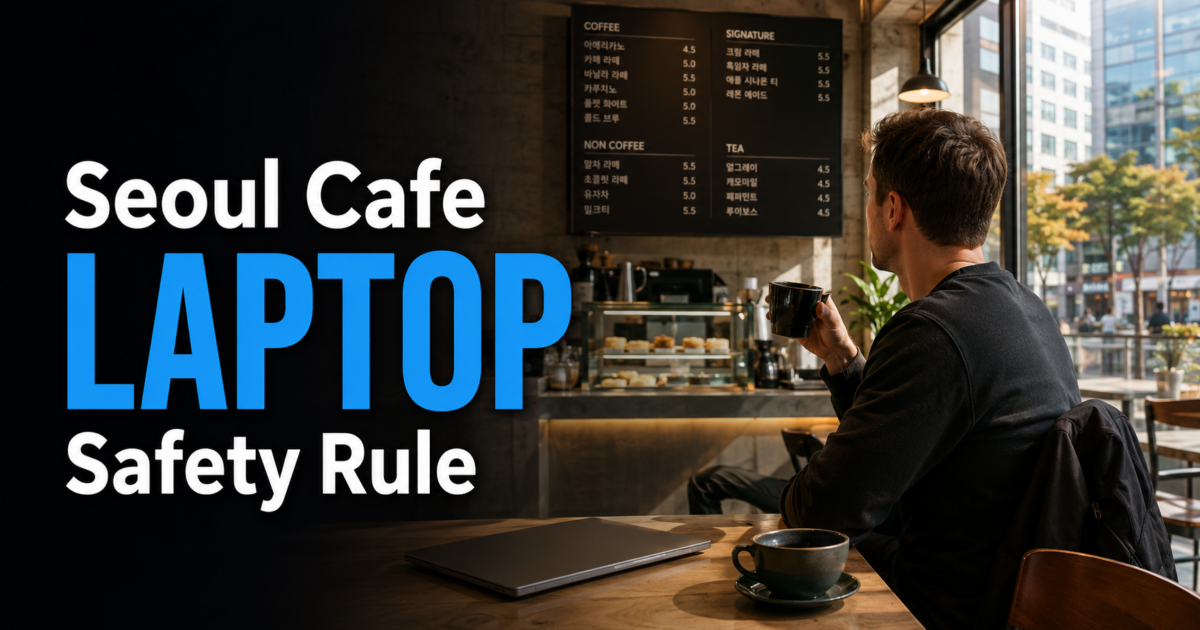
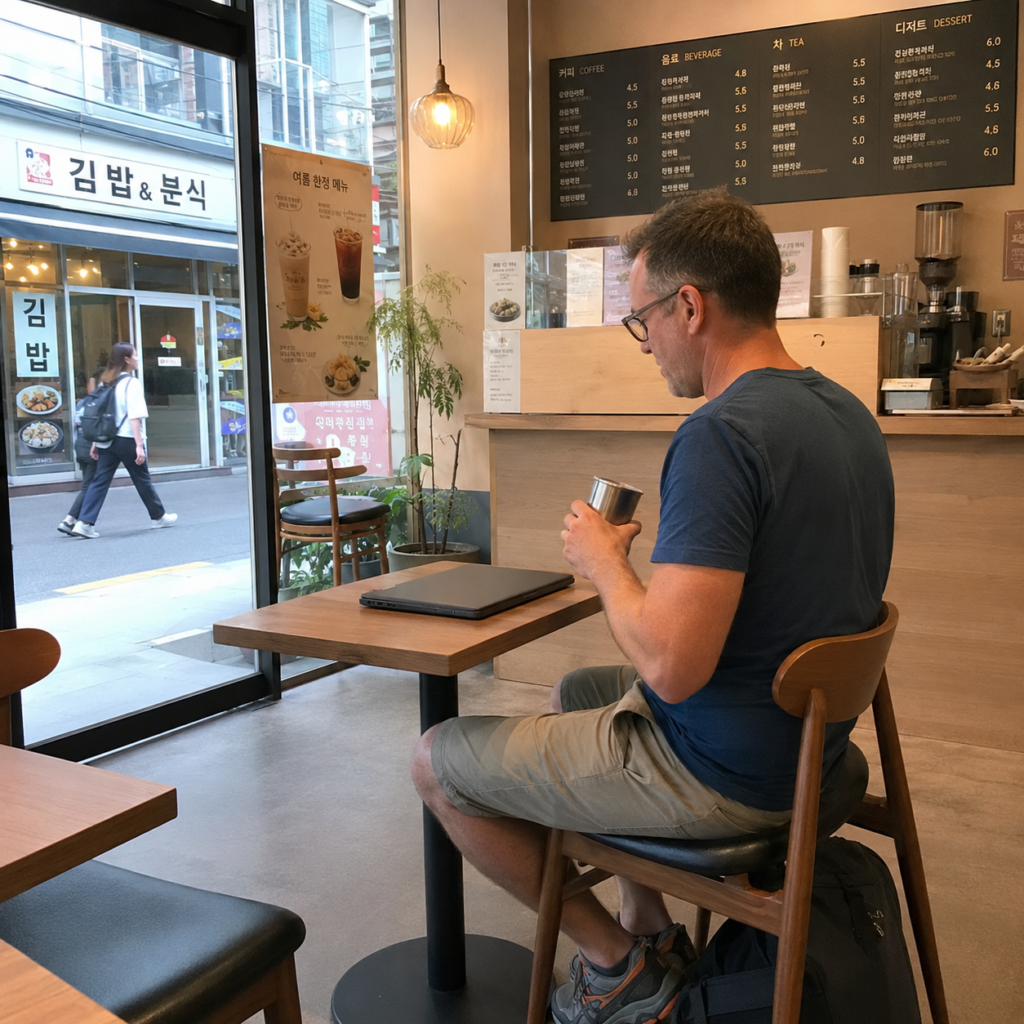
You may see customers briefly leave a laptop or bag at a table in a Seoul cafe while collecting an order or stepping away. That visible habit is not a security guarantee, and it does not mean the cafe or nearby customers are responsible for watching your belongings.
For a traveler, the safest rule is simple: take your laptop with you whenever it will be out of sight. Losing the device can affect more than its replacement cost because saved accounts, work files, travel documents and personal information may also be exposed.
Quick answer: Do not treat unattended laptops in Seoul cafes as proof that leaving yours is safe. Keep passports, wallets, cards, phones and other essential valuables with you, and take the laptop whenever you cannot maintain direct sight of it. If the device goes missing, check with cafe staff, use Korea’s Police Civil Service 24 lost-property service, and call 112 if you suspect theft or face an immediate safety problem.
Why You May See Laptops Left at Cafe Seats
In a Seoul cafe, you may occasionally see a customer leave a laptop, notebook, cup or bag at a table while collecting a drink or briefly moving around the cafe. The important point is not to turn that observation into a rule about safety.
A cafe is a public or semi-public environment where customers, deliveries and staff can move in and out. A device left at a table can still be stolen, misplaced, damaged or accessed by another person.
The atmosphere of the cafe does not change that basic rule. A quiet room, visible CCTV or nearby customers cannot guarantee that an unattended laptop will remain safe or be recovered if something happens.
Should You Actually Leave Your Laptop?
| Situation | Recommended Response |
|---|---|
| Collecting a drink while the table remains clearly in sight | Keep the table under direct observation or take turns with a trusted companion. |
| Using the restroom alone | Pack the laptop and take your essential valuables with you. |
| Leaving the cafe for any reason | Take the laptop and all important belongings. |
| You cannot see the table from where you are standing | Take the laptop with you. |
| Traveling with another person | Take turns ordering or stepping away from the table. |
| The cafe has CCTV | Do not treat cameras as a guarantee that your device is protected or recoverable. |
No specific number of seconds or minutes can be guaranteed safe. If losing the laptop would seriously disrupt your trip, work, finances or access to important accounts, keeping it with you is the safer option.
Keep Essential Travel Items With You
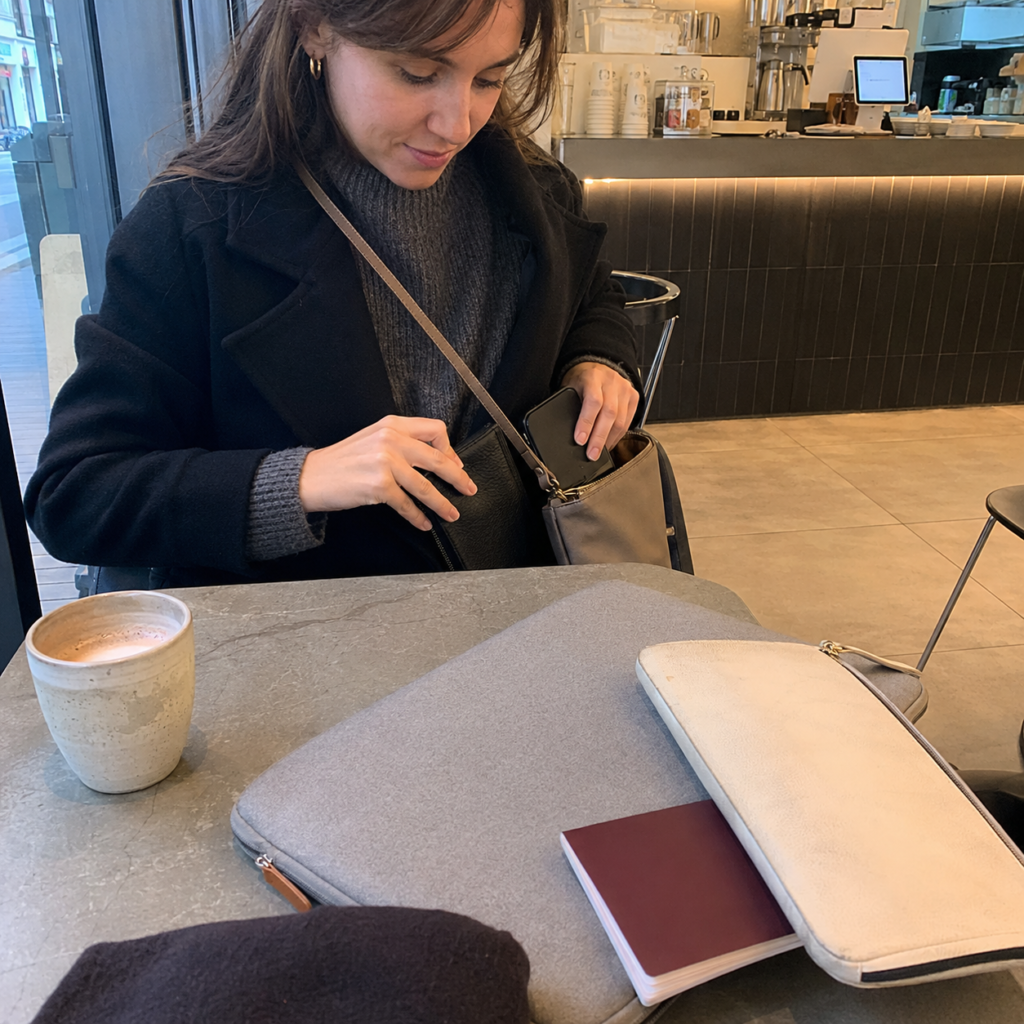
Even if you decide to leave a notebook, drink or inexpensive personal item at the table for a moment, do not use high-value or identity-related items as seat markers.
- Passport or other identity documents
- Wallet and payment cards
- Cash
- Phone
- Laptop or tablet when it will be out of sight
- External drives containing important data
- Hotel key or room-access card
- Medication you may need
A passport, phone or primary payment card can be harder to replace during an overseas trip than many ordinary possessions.
Your Data May Matter More Than the Laptop
The hardware is only one part of the risk. A missing laptop can also expose access to email, cloud storage, work accounts, private photos, travel documents, saved browser sessions and financial information.
Before using a laptop while traveling, prepare the device so that losing physical control of it does not automatically expose everything stored inside.
- Enable automatic screen locking. Set the laptop to lock after a short period of inactivity.
- Use a strong device password. Do not rely on an account that stays unlocked.
- Turn on device tracking. Set up the tracking feature supported by your operating system before the trip.
- Back up important files. Keep a current backup somewhere separate from the laptop.
- Record identifying information. Save the model, color, serial number and a clear photo where you can reach them from another device.
- Use multi-factor authentication. Protect your primary email, cloud storage and other important accounts.
If the laptop belongs to your employer, school or another organization, follow that organization’s security and remote-work policies as well.
How to Reduce Risk in a Seoul Cafe
- Keep the laptop within sight whenever possible.
- Do not leave passports, wallets, cards, cash or phones beside it.
- Keep bags closed and under your control.
- Do not expect another customer to accept responsibility for the device.
- Lock the screen whenever you stop actively using the laptop.
- Pack the laptop before using the restroom if you are alone.
- Take all valuables when leaving the cafe, even for a short errand.
When traveling with a companion, taking turns is more reliable than copying what nearby customers appear to do.
What to Do If Your Laptop Is Missing
First determine whether the laptop may simply have been misplaced or moved before assuming that it was stolen.
- Tell cafe staff immediately. Give the approximate time, table location, laptop model, color, sleeve and any identifying marks.
- Check the immediate area. Ask whether staff moved the device or whether it was handed to the counter.
- Use device tracking if available. Check the manufacturer or operating-system tracking service from another trusted device.
- Search Korea’s official found-property system. Police Civil Service 24 provides a found-item search service.
- File a lost-property report if necessary. Police Civil Service 24 also provides a lost-item reporting process.
- Secure your accounts. Remotely lock the device where supported and change important passwords if you believe account access may be at risk.
- Notify relevant organizations. Contact your employer, school, insurer or financial institution when confidential data or active financial sessions may be exposed.
You can search current registered property through the Korean National Police Agency’s Police Civil Service 24 found-property service. The official service lists foreigners among the people who can use the found-property search.
If you need to return to the cafe or locate a nearby police station, save the Korean address when possible. Our Naver Map vs KakaoMap guide explains how to search Korean place names and addresses.
When to Call 112
If you believe someone has taken your laptop, you witness a theft, or you face an immediate threat to your property or safety, call 112 for police assistance.
VISITKOREA’s current safety guidance advises foreign callers who do not speak Korean to say “English please” or “Interpreter please” after the call connects so that interpretation can be arranged.
You can check the current guidance on the official VISITKOREA safety page.
If device tracking shows the laptop at another location, do not go alone to confront a suspected thief. Save the location information and provide it to the police.
For a broader explanation of Korea’s police, ambulance and public-help numbers, read our guide to how Korea’s emergency and travel-help numbers differ.
Public Wi-Fi and Digital Safety
Public Wi-Fi is a separate issue from physically leaving a laptop unattended. The Federal Trade Commission notes that most websites now use encryption, so public Wi-Fi is generally safer than it was in the past, but travelers should still use normal account and device protections.
You can review the current advice in the FTC’s public Wi-Fi security guidance.
- Confirm that you are joining the cafe’s actual network rather than a similarly named network.
- Look for HTTPS and pay attention to unexpected browser certificate warnings.
- Keep the operating system, browser and security software updated.
- Use strong, unique passwords and multi-factor authentication.
- Do not leave sensitive pages open when you step away from the screen.
- Follow your employer’s security requirements when working with confidential business data.
Do not keep passport scans, payment-card images, account recovery codes or confidential documents in an easily accessible folder on an unlocked laptop.
A Simple Seoul Cafe Laptop Checklist
- Keep the laptop with you when it will be out of sight.
- Never leave a passport, wallet, phone or payment cards as seat markers.
- Enable automatic screen locking before the trip.
- Turn on device tracking where supported.
- Back up important files separately.
- Save the laptop’s serial number and identifying details.
- Use multi-factor authentication on important accounts.
- Check the correct Wi-Fi network name.
- Use Police Civil Service 24 for lost-property searches and reports.
- Call 112 if you suspect theft or face an immediate safety threat.
Frequently Asked Questions
Do Seoul cafes allow people to leave laptops at their seats?
Policies vary by business. You may see customers briefly leave belongings at a table, but that does not mean the cafe is responsible for watching the laptop or guaranteeing its safety. Follow any posted cafe rules and take the device whenever it will be out of sight.
Is it safe if I leave my laptop for only one minute?
No exact amount of unattended time can be guaranteed safe. If you cannot maintain direct sight of the device, taking it with you is the safer choice.
Should I ask another customer to watch my laptop?
You can make a brief request, but another customer’s agreement does not transfer responsibility for the device. A trusted companion or taking the laptop with you is more reliable.
Are study cafes automatically safer for laptops?
No type of cafe guarantees the safety of an unattended device. Follow the same basic precautions regardless of whether the space feels quiet, busy or designed for long stays.
What should I do if my laptop appears on a tracking map somewhere else?
Save the location information and do not confront a suspected thief alone. If you believe the laptop was stolen, provide the tracking details to the police through 112 or during your police report.
Final Takeaway
You may see laptops left at cafe seats in Seoul, but an observed local habit is not the same as a security guarantee. The safest travel rule is to take an important device whenever it will be out of sight.
Protect the information inside the laptop as carefully as the hardware itself. Use automatic locking, a strong password, backups, device tracking and multi-factor authentication before you need them.
If the laptop disappears, check with cafe staff first, then use Police Civil Service 24 for lost-property searches or reports. If you suspect theft or face an immediate safety problem, call 112 rather than trying to recover the device by yourself.
That approach lets you enjoy Seoul’s cafe culture without assuming that other customers’ habits remove the normal responsibility to protect your own valuables.