
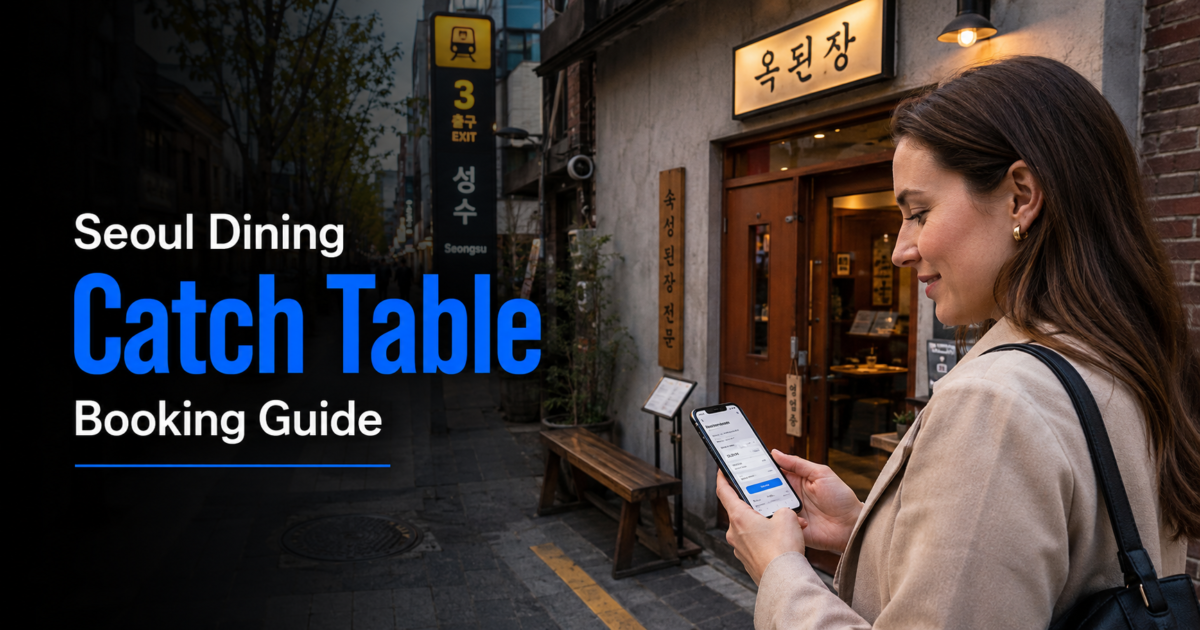
Last checked: August 2, 2026. Restaurant availability, reservation windows, waitlist features, deposits and cancellation rules can change, so check the current CATCHTABLE page for the exact restaurant before confirming.
CATCHTABLE Global can make restaurant reservations in Korea much easier for international travelers who do not have a Korean phone number or local payment method. It supports eligible restaurant reservations, remote waitlists and international-card payments without requiring travelers to use the domestic Korean booking flow.
It does not make every restaurant or every branch reservable. The safest approach is to confirm the exact branch, party size, date, time, seating option, deposit policy, cancellation deadline and late-arrival rule shown on the restaurant page before you pay.
Quick answer: Use CATCHTABLE Global to search supported restaurants, choose an available reservation or remote waitlist, and review every restaurant-specific condition before confirming. VISITKOREA currently states that the global service supports real-time reservations and remote waitlists without a Korean phone number or local payment method, using an email address and international credit card for supported bookings.
What CATCHTABLE Global Can Help You Do
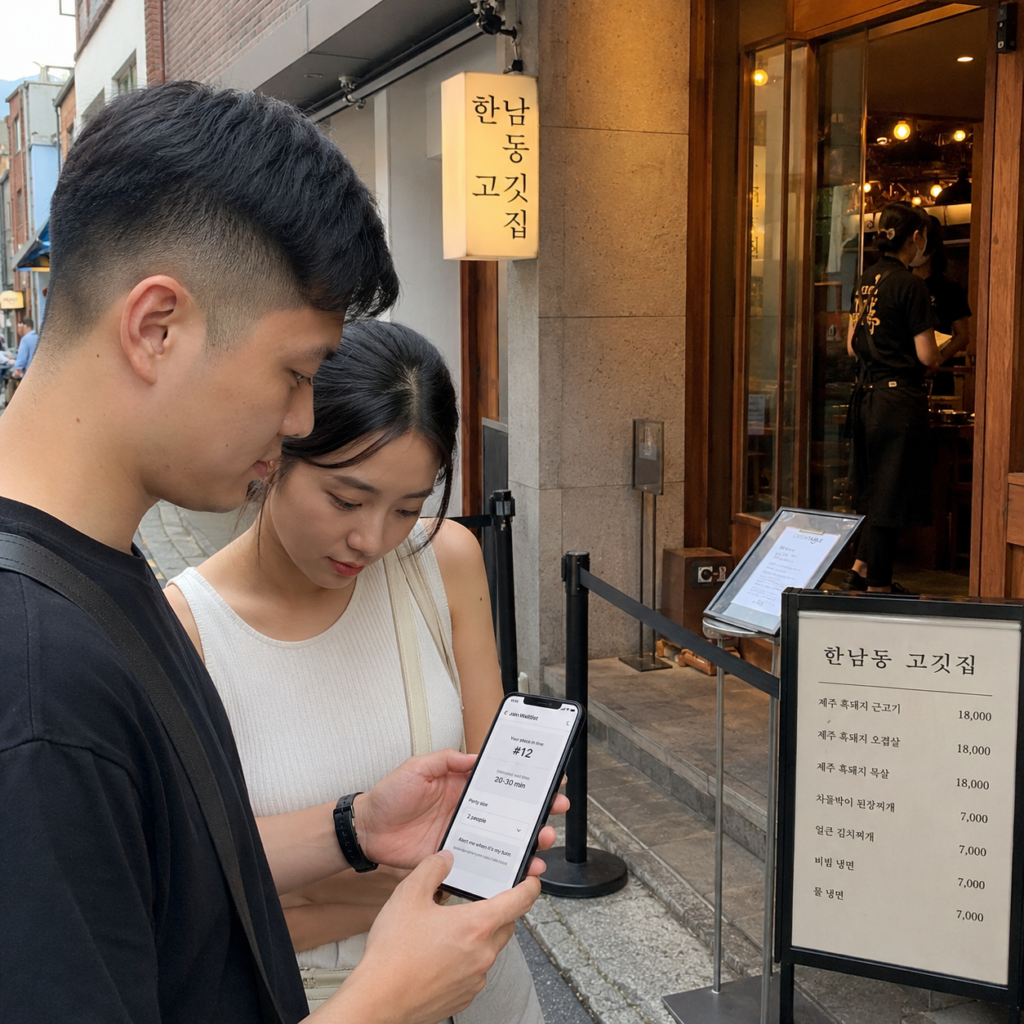
CATCHTABLE is a restaurant reservation and waitlist platform used in Korea. Its global service is designed to reduce common barriers for international visitors.
The official VISITKOREA CATCHTABLE guide currently describes real-time restaurant reservations and remote waitlist access in Seoul, Busan, Jeju and other areas. It also states that supported reservations can be made without a Korean phone number or local payment method and that international credit cards are supported.
You can search current listings on the official CATCHTABLE Global website.
| Option | What It Means | What to Check |
|---|---|---|
| Reservation | Choose an available future date, time and party size | Branch, menu rules, seating, deposit and cancellation policy |
| Remote Waitlist | Join a supported live queue through the service | Teams ahead, notification method and return instructions |
| On-site Waitlist | Register after arriving at the restaurant | Entrance tablet, QR code, ticket system or staff instructions |
| No Online Option | No reservation or remote-waitlist button is currently offered | Restaurant website, official social channel, Naver Place or walk-in instructions |
The available option can differ by restaurant and branch. Follow the current listing rather than assuming that every CATCHTABLE restaurant uses the same system.
Before You Search for a Restaurant
Set Up Access Before an Important Booking
Create or sign in to your CATCHTABLE Global account using one of the methods currently offered before you try to secure an important reservation. Make sure you can access the email address and app notifications connected to your account.
This is especially useful when a reservation opens at a specific time or when you plan to use a remote waitlist during the trip.
Allow Notifications for Waitlists
Remote waitlists depend on current queue information and the restaurant’s return instructions. Keep app notifications enabled and check the live status rather than treating the initial waiting estimate as a guaranteed seating time.
If the restaurant gives a specific return window, follow that instruction. A waitlist is a queue, not a fixed reservation time.
Confirm the Exact Restaurant and Branch
Do not book by restaurant name alone. Brands may have multiple Seoul branches, and the same name can appear in neighborhoods such as Gangnam, Seongsu, Jamsil, Yeouido or Myeongdong.
Compare the branch name and address with your itinerary before paying a deposit. Our Naver Map vs KakaoMap guide explains how to confirm Korean place names, addresses, subway exits and walking routes.
How to Make a Restaurant Reservation Step by Step
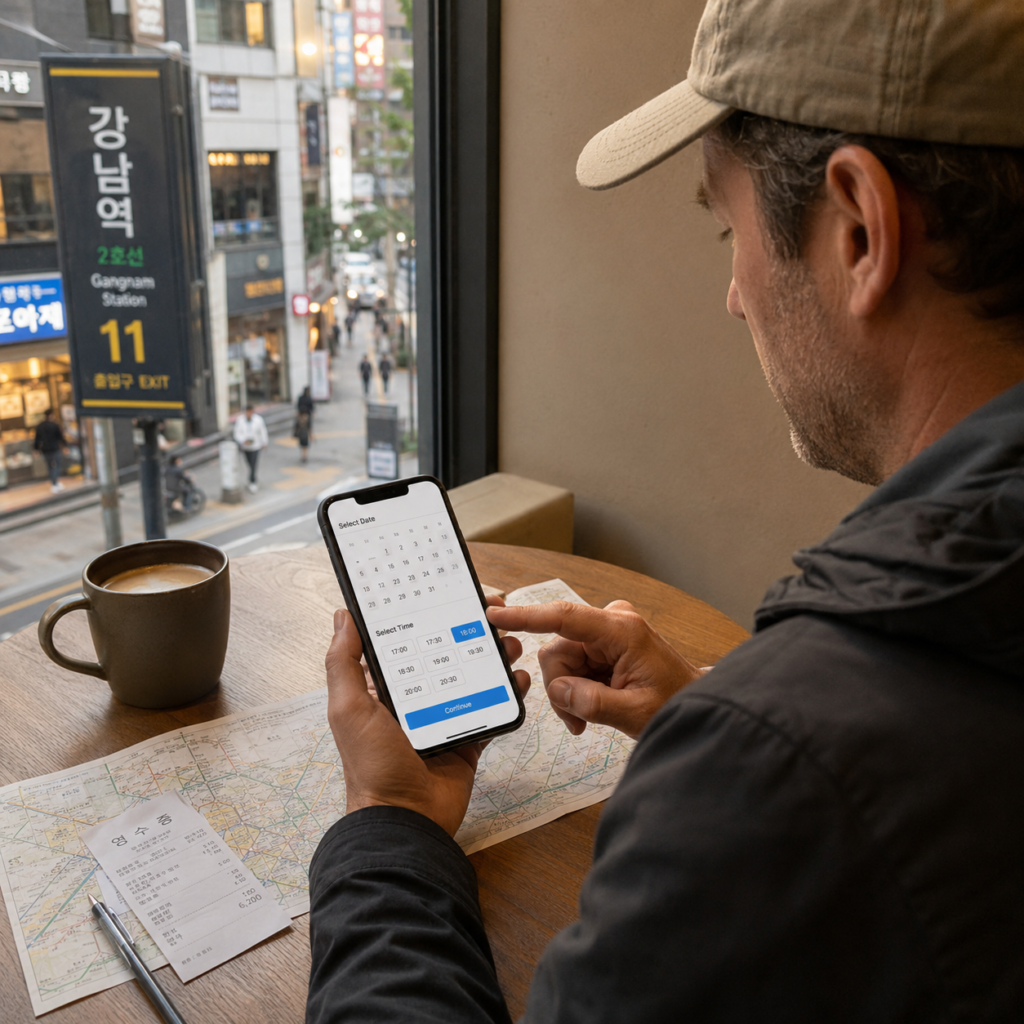
- Open CATCHTABLE Global and search for the restaurant, neighborhood or cuisine.
- Select the exact restaurant and branch.
- Choose an available reservation date.
- Select the time and exact party size.
- Check the seating option if the restaurant offers more than one type.
- Read the restaurant notes, menu requirements, age rules and minimum-order conditions shown on the page.
- Review the deposit amount and cancellation policy.
- Enter the requested international-card information if payment is required.
- Confirm the booking and check that it appears in your account or booking-management area.
- Save the confirmation and verify the restaurant address before visiting.
Party size matters because the restaurant controls its own table inventory and menu conditions. Do not assume that an additional guest can simply be added at the entrance.
If the group size changes, use the modification or cancellation method currently offered for that booking. When the service does not allow the change you need, follow the restaurant’s displayed contact instructions rather than arriving with a different party size without notice.
Practical tip: Save a screenshot showing the restaurant name, branch, date, time, party size and address. It gives you a simple reference if the app is slow or you need to show the booking to restaurant staff.
Deposits, International Cards and Cancellation Rules
Some CATCHTABLE reservations require a deposit. VISITKOREA explains that reservation deposits are commonly used to reduce no-shows, while the exact amount and refund policy belong to the individual restaurant or booking.
CATCHTABLE Global supports international credit cards for supported payments, but that does not guarantee that every card transaction will be approved. Your card issuer can still apply online-payment verification, security controls or transaction restrictions.
Before paying, check:
- the exact deposit amount
- whether the deposit is refunded after the visit or applied to the restaurant bill
- the deadline for free cancellation
- any partial-refund period
- the no-show policy
- the late-arrival rule
- whether changing the date or party size requires cancellation and rebooking
Do not assume that every CATCHTABLE deposit works the same way. Current CATCHTABLE restaurant listings show different examples, including deposits refunded after arrival, deposits applied to the bill and deposits that become partially or fully non-refundable close to the reservation date.
If your international card is declined, do not repeatedly submit the same payment without checking the cause. Confirm that the card supports overseas online payments and issuer verification, try another supported card if appropriate, and see our guide on what to do if your credit card does not work in Korea.
How the CATCHTABLE Remote Waitlist Works
A remote waitlist is different from an advance reservation. When the feature is available, it lets you join the restaurant’s current queue and monitor your position without standing at the entrance the entire time.
- Open the restaurant page.
- Check whether a remote-waitlist option is currently available.
- Confirm the correct branch and party size.
- Read the current waitlist instructions.
- Join the queue.
- Keep notifications enabled and monitor the live status.
- Return according to the restaurant’s displayed instructions.
The number of teams ahead and any estimated waiting time can change. Stay close enough to follow the restaurant’s return requirement rather than treating the estimate as a scheduled dining time.
CATCHTABLE is only one of several waitlist formats you may see in Korea. Some restaurants use an entrance tablet, QR code, paper list, ticket machine or a physical line instead. For those cases, read our guide to joining a restaurant waitlist in Korea without speaking Korean.
What If You Miss a Waitlist Alert?
Do not assume that your position remains active after you miss the restaurant’s stated return time. The restaurant may call another party, cancel the entry, provide a short grace period or require a new registration.
The correct outcome depends on the current restaurant policy. If you think your turn has passed, check the app and ask the restaurant rather than creating another waitlist entry immediately.
Common CATCHTABLE Mistakes to Avoid
Booking the Wrong Branch
Check the full address and neighborhood before confirming, particularly when a brand has several Seoul locations. A correct restaurant name with the wrong branch can still ruin the reservation.
Misreading the Date or Time
Review the date and displayed time one more time immediately before payment. If the interface uses 24-hour time, remember that 19:00 means 7:00 p.m.
Ignoring the Seating Type
Some restaurant pages offer different seating choices such as counter, table, terrace, private room or bar seating. Different options may also have different menu or minimum-order conditions, so read the description shown for the exact slot.
Missing a Break Time or Last-Order Rule
Some restaurants have a break between lunch and dinner or stop taking orders before the listed closing time. Check the restaurant’s current service information rather than relying only on a general “open” label from another source.
Arriving Late
Late-arrival rules vary. Some current CATCHTABLE listings state that a reservation can be canceled after a specified delay or that the deposit policy changes after the restaurant’s stated arrival time.
Check the exact rule when you book and plan enough time to locate the entrance, especially in department stores, hotels, basement levels and large shopping complexes.
Using an Old Social Media Post as the Booking Rule
Restaurant branches, reservation methods, menus, opening hours and policies can change. Use the current CATCHTABLE listing and the restaurant’s current official channels when the information matters to your booking.
What If the Restaurant Is Not on CATCHTABLE Global?
First, search the Korean restaurant name as well as the English spelling. Romanized names can vary, and a branch may be easier to find under its Korean name.
If you still cannot find the restaurant, several possibilities remain:
- The restaurant is not available on CATCHTABLE Global.
- Only another branch is listed.
- The restaurant uses another reservation service.
- It accepts reservations directly by phone, website or another official channel.
- It uses on-site waiting rather than advance reservations.
- Reservation inventory for your date is not currently available.
Check the restaurant’s official website or social account and compare its Korean name and address with Naver Place or another current Korean map listing. Do not assume that absence from CATCHTABLE means the restaurant is closed or impossible for foreign visitors to use.
How to Improve Your Chances of Getting a Table
- Set up your account before an important reservation window.
- Search both the English and Korean restaurant names.
- Check more than one branch when the brand has multiple locations.
- Compare lunch and dinner availability.
- Check another date when your itinerary is flexible.
- Check again later because canceled inventory may become available.
- Use a supported remote or on-site waitlist when advance reservations are unavailable.
None of these steps guarantees a table. Availability belongs to the restaurant and can change in real time.
After You Arrive at the Restaurant
Keep the reservation confirmation available until staff confirms your table. Check the restaurant name and branch again before entering if several businesses share the same building.
After you are seated, the ordering system may be separate from CATCHTABLE. Some restaurants use staff ordering, table tablets, kiosks or QR menus. If your table uses a QR code, our guide on what to do when a Korean restaurant has only a QR code menu explains how to check language options, quantities, payment and order confirmation.
CATCHTABLE Booking Checklist
- Correct restaurant and branch
- Correct date and time
- Exact party size
- Correct seating option
- Menu or minimum-order requirements
- Allergy or dietary information that must be communicated separately
- Deposit amount
- Refund and cancellation conditions
- Late-arrival policy
- Confirmed address and route
- Email and app notifications available
Frequently Asked Questions
Do I need a Korean phone number for CATCHTABLE Global?
No Korean phone number is required for supported CATCHTABLE Global bookings. VISITKOREA currently states that the global service is designed for international travelers and can be used without a Korean phone number or local payment method.
Can I use an international credit card?
CATCHTABLE Global supports international credit cards for supported payments and reservation deposits. Card approval can still depend on the issuer and verification process, so keep another supported card available for an important booking.
Does every reservation require a deposit?
No. Deposit requirements depend on the restaurant and booking. When a deposit is required, read the exact refund, cancellation, no-show and late-arrival terms before confirming.
Is a remote waitlist the same as a reservation?
No. A reservation gives you an available date and time confirmed under the restaurant’s booking policy. A remote waitlist places you in a live queue whose speed and return timing can change.
Can I book every Seoul restaurant through CATCHTABLE Global?
No. CATCHTABLE Global covers many restaurants, but not every restaurant or branch is available. Some businesses use another system, accept direct reservations or operate with on-site waiting or walk-ins.
Final Takeaway
CATCHTABLE Global is useful because it gives international travelers access to supported Korean restaurant reservations and remote waitlists without requiring the standard domestic booking setup.
The important part is not simply installing the app. Confirm the exact branch, party size, seating, deposit, cancellation deadline and late-arrival rule before paying, and keep notifications active when you join a remote waitlist.
Use the current restaurant page as the final source for that booking. When a restaurant is not available through CATCHTABLE Global, check its Korean name and current official booking method instead of assuming that no reservation option exists.
With those checks in place, CATCHTABLE Global can remove several common reservation barriers while still leaving each restaurant’s own policies in control.