
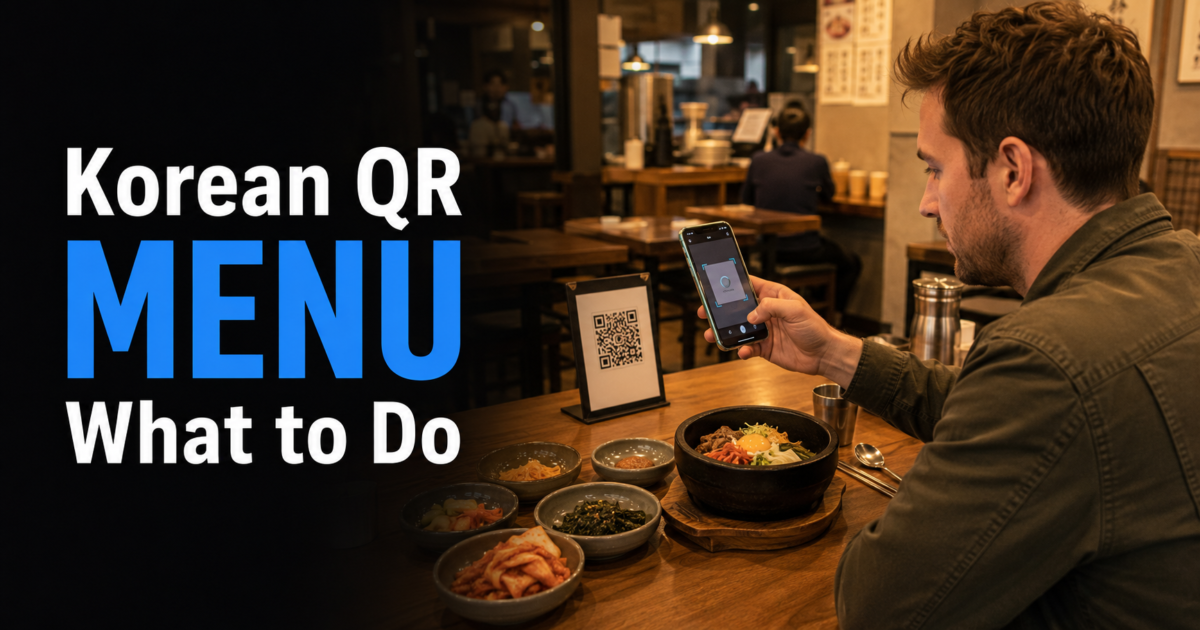
Last checked: August 3, 2026. QR platforms, restaurant ordering systems, payment methods, language support and phone-verification requirements can vary by business and change over time. Follow the current instructions shown by the restaurant when they differ from general guidance.
When a Korean restaurant uses a QR code menu, first check whether the code only displays the menu, sends an order to the kitchen, or also handles payment. Those systems can look similar at first, but the correct next step is different.
Do not rush through the screen because the restaurant is busy. Check the language option, table number, exact dish, serving size, quantity, required options, total price and order-confirmation status. If the page requires a Korean phone number or rejects your payment method, stop troubleshooting and show the screen to staff.
Quick answer: Scan the code at your own table, identify whether it is for viewing, ordering or payment, check for English before translating, keep the Korean dish name visible, review the full cart and table number, confirm that the restaurant actually received the order, and ask staff for another ordering or payment method when the QR system does not work for you.
1. Check What the QR Code Actually Controls
QR restaurant systems do not all perform the same function. Identify what the page does before adding items or waiting for food.
| QR Menu Type | What It Usually Shows | What to Do |
|---|---|---|
| Menu viewing only | Dish names, photos, descriptions and prices | Choose the item and order with staff or at the counter. |
| Ordering system | Quantity buttons, options, a cart and an order button | Review the cart and submit the order from the table. |
| Ordering and payment | Cart, payment method, billing details and confirmation | Check both payment approval and order confirmation. |
Some table QR codes may already be linked to a table number. Scan the code at your own table and confirm any table information displayed before submitting the order.
A page that shows photos and prices may still require you to call a server. A page with a cart may send the order immediately or require another confirmation step. Read the final button and confirmation message rather than guessing from the layout.
2. Scan the Restaurant’s Displayed QR Code and Check the Destination
Use a QR code displayed on the table, menu stand, receipt holder, wall sign or other material that clearly belongs to the restaurant. If your phone previews the destination URL, check it before opening the page.
A familiar-looking logo alone does not prove that a page is legitimate. The U.S. Federal Trade Commission warns that malicious QR codes can lead to spoofed websites or malware and recommends checking the destination URL for unexpected domains, misspellings or altered letters.
You can review the FTC guidance on malicious QR codes.
Ask staff before continuing when:
- a new sticker appears to cover another QR code
- the destination has an unrelated business name or unexpected domain
- the page asks for an account password or passport number merely to display a menu
- the link unexpectedly asks you to download an unrelated application
- the payment page does not appear connected to the restaurant or ordering service
A restaurant may legitimately request limited information for ordering or payment. The point is not to avoid every QR menu, but to verify the destination before entering sensitive information.
3. Look for a Language Option Before Translating the Page
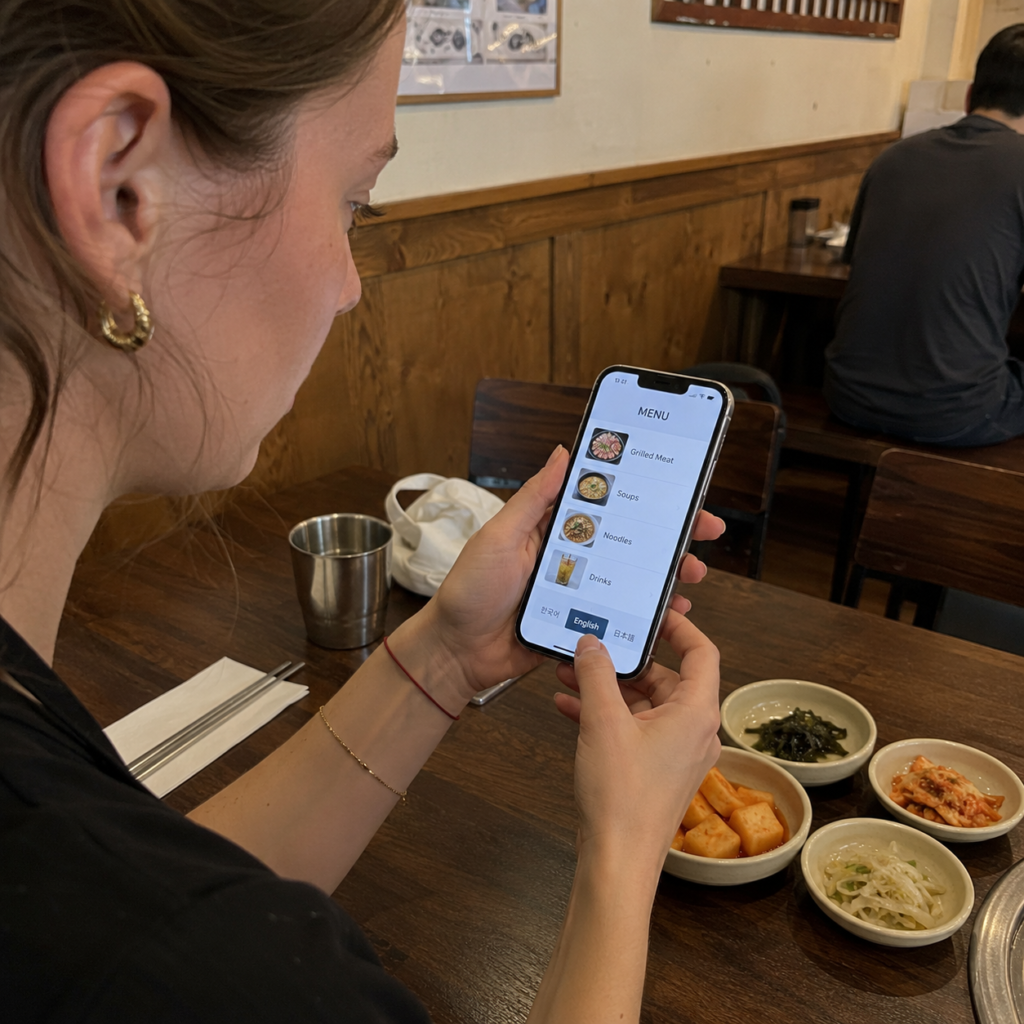
Check the top, bottom and menu icon for an English, ENG, Language or globe button. Some systems place language selection inside a three-line menu.
An English version can still contain incomplete or literal translations. Keep the original Korean dish name, photo and price visible so staff can identify the exact item if you need help.
If no English option is available, image or screenshot translation can help with ordinary menu reading. The official VISITKOREA Helpful Apps & Resources guide explains that Papago can recognize and translate text from images, webpages, handwriting and spoken words.
Translate One Section at a Time
Translate the category you need rather than processing the entire menu at once. Common categories may include rice, noodles, stew, grilled dishes, drinks, sets and side menus.
Save a screenshot that includes:
- the Korean dish name
- the dish photo
- the price
- the serving information
- the selected size, spice, topping or side option
The screenshot remains useful if the page reloads, your connection drops or you need to show the exact item to staff.
4. Review the Full Order Before Submitting
QR menus can make it easy to change the quantity accidentally or overlook a required option. Check the complete cart before pressing the final order button.
| Check | Why It Matters |
|---|---|
| Dish name | A translated name may resemble another menu item. |
| Quantity | A plus button can add more servings than intended. |
| Serving size | The displayed price may apply per person, per serving or to a shared dish. |
| Required options | Spice level, size, meat cut, topping or side choices may change the order. |
| Table number | A table-linked system must send the order to the correct table. |
| Total amount | Sets, add-ons and duplicate items can change the final total. |
Useful Korean serving expressions include 1인, meaning one person, 1인분, meaning one serving, and 2인 이상, meaning two people or more.
Shared dishes, Korean barbecue, hot pot and large stir-fried dishes may have minimum-portion requirements. The individual restaurant’s menu determines the rule, so ask staff when the QR page does not explain it clearly.
5. Confirm That the Restaurant Received the Order
Do not assume that placing items in a cart or completing a payment screen automatically means the kitchen received the order.
Look for one or more of the following:
- an order-complete message
- an order number
- a table order-history screen
- a changed order status
- an order receipt or digital confirmation tied to the table or order
- staff confirmation
A payment receipt by itself does not prove that the kitchen received the order. If the page returns to the menu without showing order confirmation, check the order history before submitting the same items again and show the screen to staff when the status remains unclear.
6. Handle Korean Phone-Number and Payment Problems
Some ordering or payment systems may request local verification or use payment methods designed mainly for Korean users. Do not enter a random Korean phone number merely to bypass the screen.
Show the problem to staff and ask whether they can:
- enter the order through their terminal
- take the order verbally or from your screenshot
- let you order at the counter
- accept another payment method
- allow payment at a different stage of the meal
A foreign card may work at a staffed terminal even when a particular QR payment page rejects it, but this is not guaranteed. Confirm the available payment method instead of repeatedly submitting the same failed transaction.
If the problem continues, our guide to what to do if your credit card is declined in Korea explains how to separate a single terminal failure from a broader card or issuer problem.
When using a payment page, check the final total and currency before approving the transaction.
7. Ask Staff Before the Problem Becomes Complicated
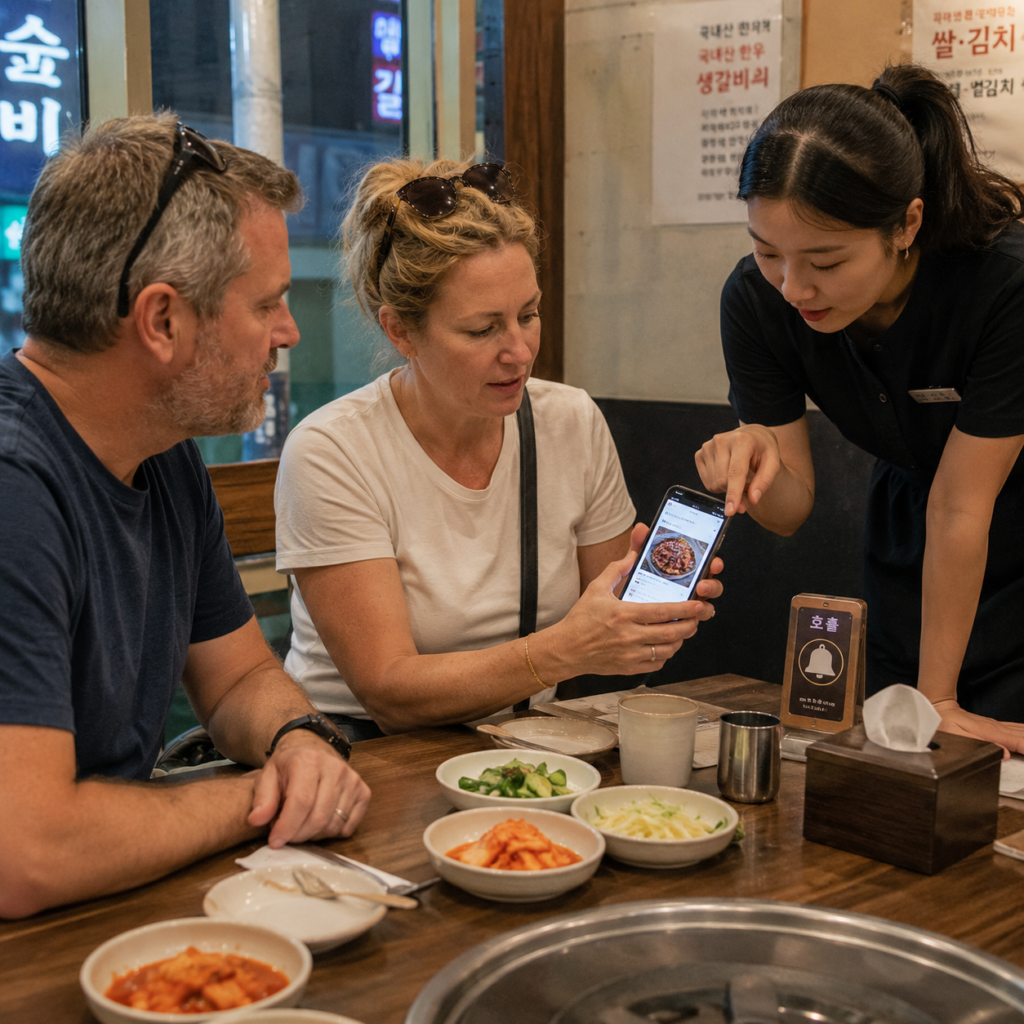
If a call bell is provided, press it once and wait. If there is no bell, make eye contact, raise your hand slightly or approach the counter when appropriate.
Show the exact screen instead of trying to explain the whole technical problem. Point to the item, quantity, error message or payment page that needs attention.
For more detail about restaurant service signals, see our guide to how Korean restaurant call bells work.
| Korean | Romanization | Meaning |
|---|---|---|
| 영어 메뉴 있어요? | Yeongeo menyu isseoyo? | Do you have an English menu? |
| 여기서 주문해요? | Yeogiseo jumunhaeyo? | Do I order here? |
| 주문 도와주세요. | Jumun dowajuseyo. | Please help me order. |
| QR 주문이 안 돼요. | QR jumuni an dwaeyo. | The QR order is not working. |
| 이거 하나 주세요. | Igeo hana juseyo. | One of this, please. |
| 이거 매워요? | Igeo maewoyo? | Is this spicy? |
Showing the written Korean phrase on your phone can be easier for staff to understand than relying only on romanized pronunciation.
8. Treat Allergies and Dietary Requirements Separately
A translation tool can help identify ordinary dish names, but it cannot guarantee every ingredient, broth, sauce, garnish, cooking oil or shared cooking surface.
For a serious food allergy, prepare a short written note in Korean and English before visiting restaurants. The U.S. Centers for Disease Control and Prevention recommends carrying translated information listing food allergies when traveling internationally and giving that information to people preparing your meals.
You can review the CDC guidance for travelers with allergies.
Your note should clearly identify:
- the exact ingredient or ingredients you must avoid
- how serious the allergy is
- whether broth, sauce, seasoning or cooking oil matters
- whether cross-contact is a concern
Do not assume that removing one visible ingredient removes it from a broth, marinade, sauce or preparation area. If the restaurant cannot clearly confirm whether a dish can meet your requirements, choose another dish or restaurant.
The 1330 Travel Helpline & Complaint Center provides tourist information, interpretation and chat support. It cannot guarantee that a dish is medically safe for a serious allergy.
For breathing difficulty, loss of consciousness, a severe allergic reaction or another medical emergency in Korea, call 119. VISITKOREA lists 119 for medical emergencies in its official emergency information.
9. What to Do When Your Phone Is Dead or Has No Data
Tell staff that you cannot access the QR page and ask whether they have a paper menu, wall menu, counter screen, staff device or another way to take the order.
If the restaurant displays guest Wi-Fi information, you can connect and reopen the page. Do not assume that every restaurant provides Wi-Fi or that a QR menu will work without internet access.
A screenshot of the dish or a few saved Korean ordering phrases can still help when the QR page stops loading. Keeping a portable battery available is also useful because QR menus, translation tools, maps, payment services and transportation apps may all depend on the same phone.
For ordering situations beyond QR menus, see our broader guide to how to order food in Korea without speaking Korean.
Common Mistakes to Avoid
- Waiting for a paper menu without checking what the QR code does.
- Assuming every QR code sends an order.
- Scanning a suspicious sticker without checking the destination.
- Submitting the cart twice because no confirmation was checked.
- Ordering from a QR code assigned to another table.
- Ignoring a minimum-portion rule.
- Entering a random Korean phone number to bypass verification.
- Assuming payment approval means the kitchen received the order.
- Assuming one QR payment failure means the same card will fail everywhere.
- Relying on automatic translation alone for a serious food allergy.
- Repeatedly pressing a call bell instead of waiting after one press.
- Entering sensitive information on a page that does not appear connected to the restaurant or ordering service.
Frequently Asked Questions
No. Some codes only display dishes and prices. Others send the order, and some also process payment. Check for quantity controls, a cart, table information, payment options and an order-confirmation screen.
Yes, but the restaurant may not have one. Ask whether staff can provide a paper menu, counter menu or another way to place the order.
Do not enter a random number. Show the screen to staff and ask for a manual order, counter order or another supported method.
What should I do when my foreign card fails?
Ask whether the staffed terminal accepts the card or whether another payment method is available. A QR payment failure does not necessarily mean that every payment terminal at the restaurant will reject the same card.
How do I know whether the order was received?
Check for an order-complete message, order number, table order history, order confirmation or staff confirmation. A payment receipt alone is not enough to prove that the kitchen received the order.
No. Translation can help with ordinary menu reading but cannot guarantee every ingredient or cross-contact risk. Communicate the allergy directly to staff using prepared written information and choose another restaurant when the information cannot be confirmed.
Final Takeaway
A Korean restaurant QR menu becomes easier when you separate the process into three questions: What does the code control, what exactly am I ordering, and did the restaurant receive it?
Check the destination before entering sensitive information, look for a language option, keep the Korean dish name visible, review the quantity, serving size, table and total, and confirm that the order was completed. When a QR page requires unsupported local verification or rejects payment, stop troubleshooting alone and show the screen to staff.
QR platforms, restaurant payment methods, menu options, language support and phone-verification requirements vary by business. Follow the restaurant’s current instructions rather than assuming that one QR system represents every restaurant in Korea.
This article provides general travel information and does not replace medical advice. If you have a serious food allergy, follow your medical care plan and communicate your allergy directly to restaurant staff. In a medical emergency in Korea, call 119.